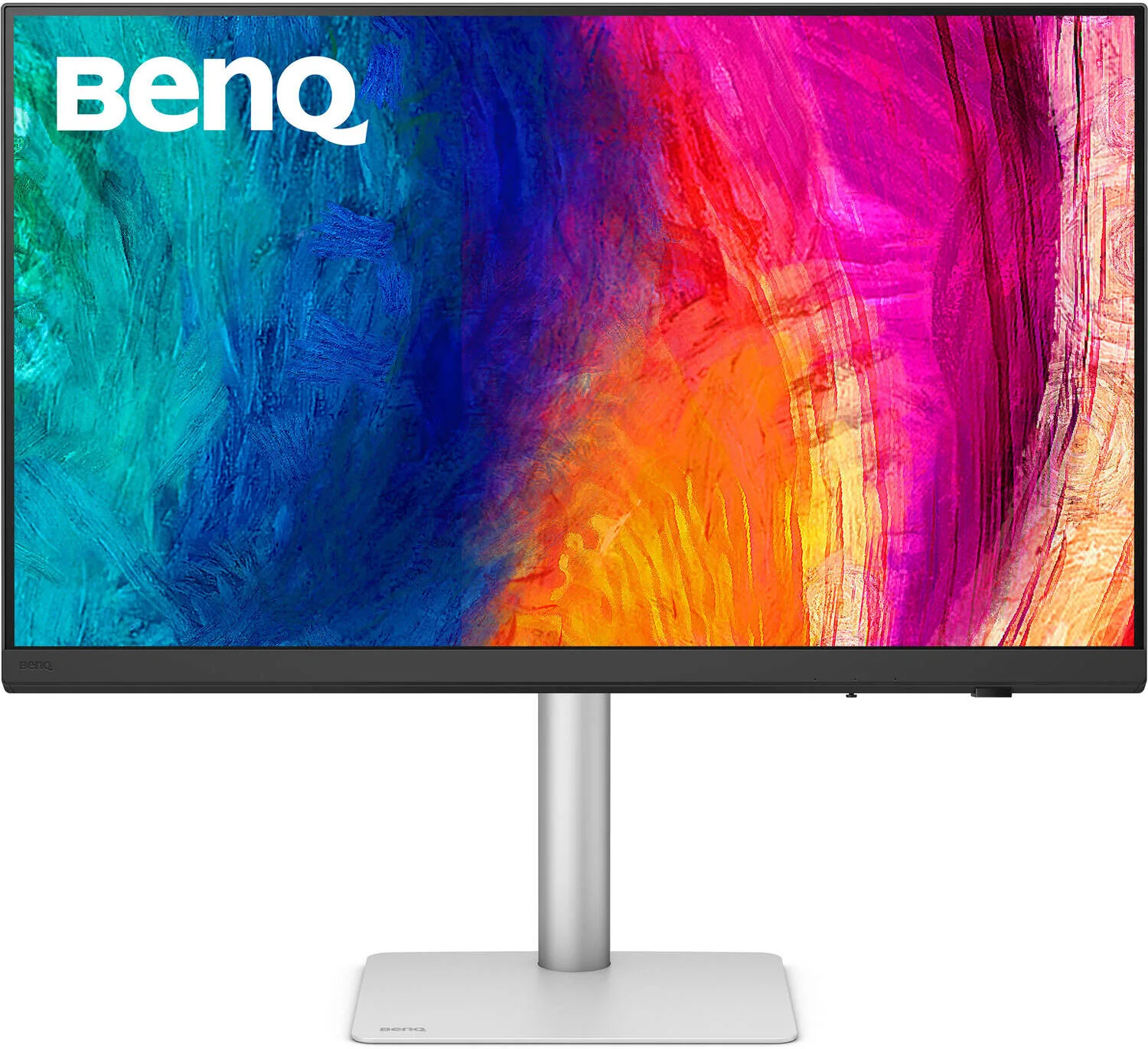
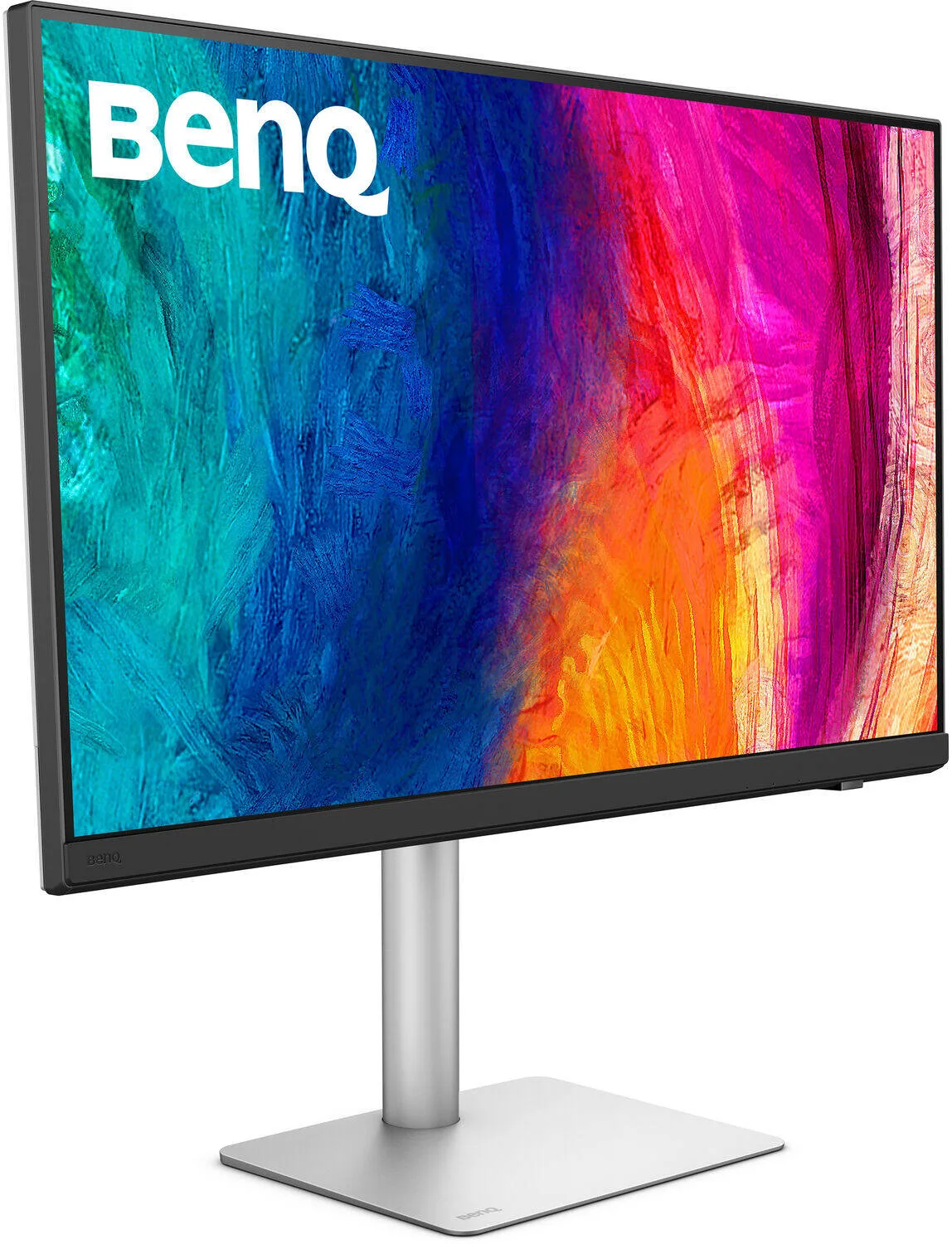
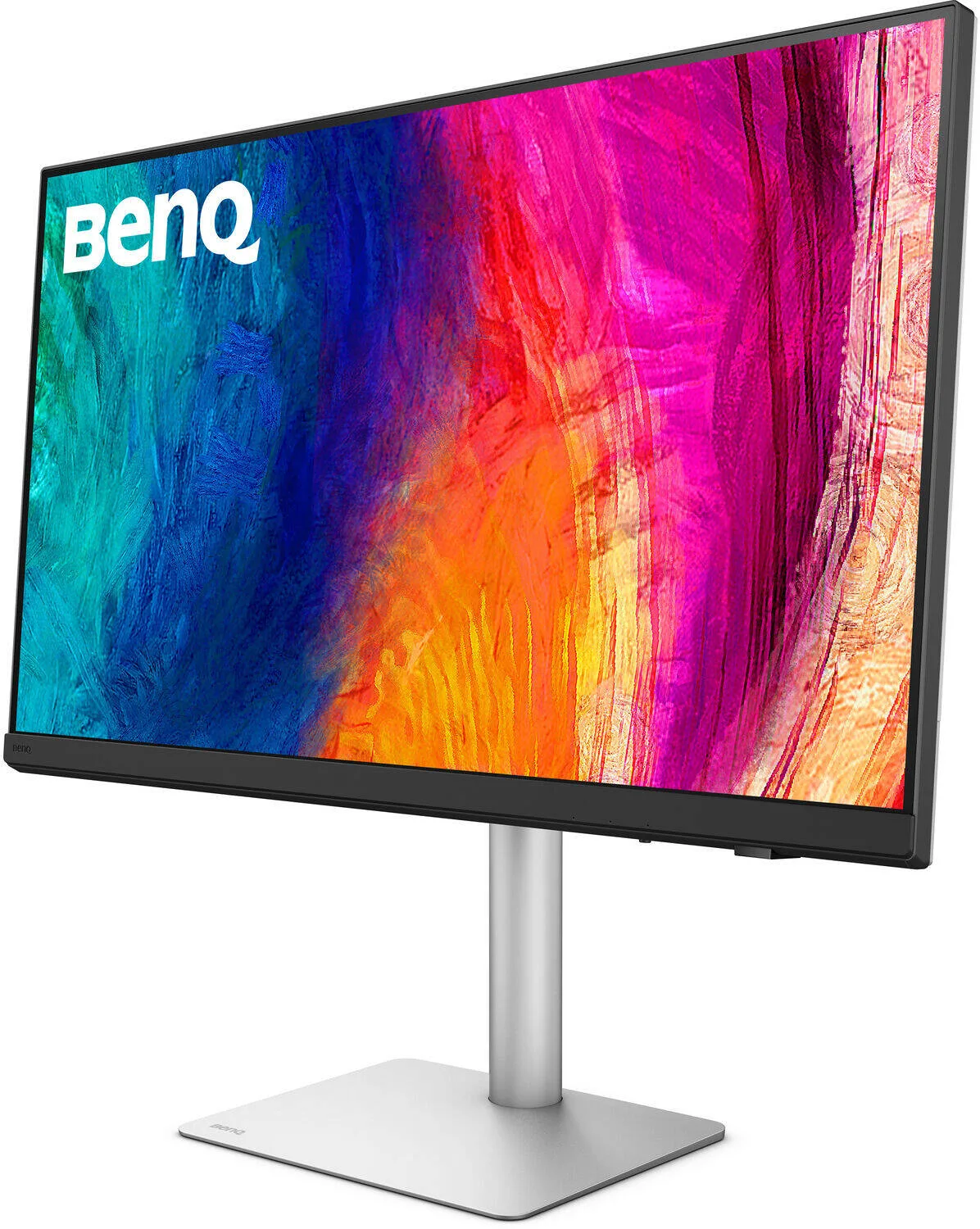
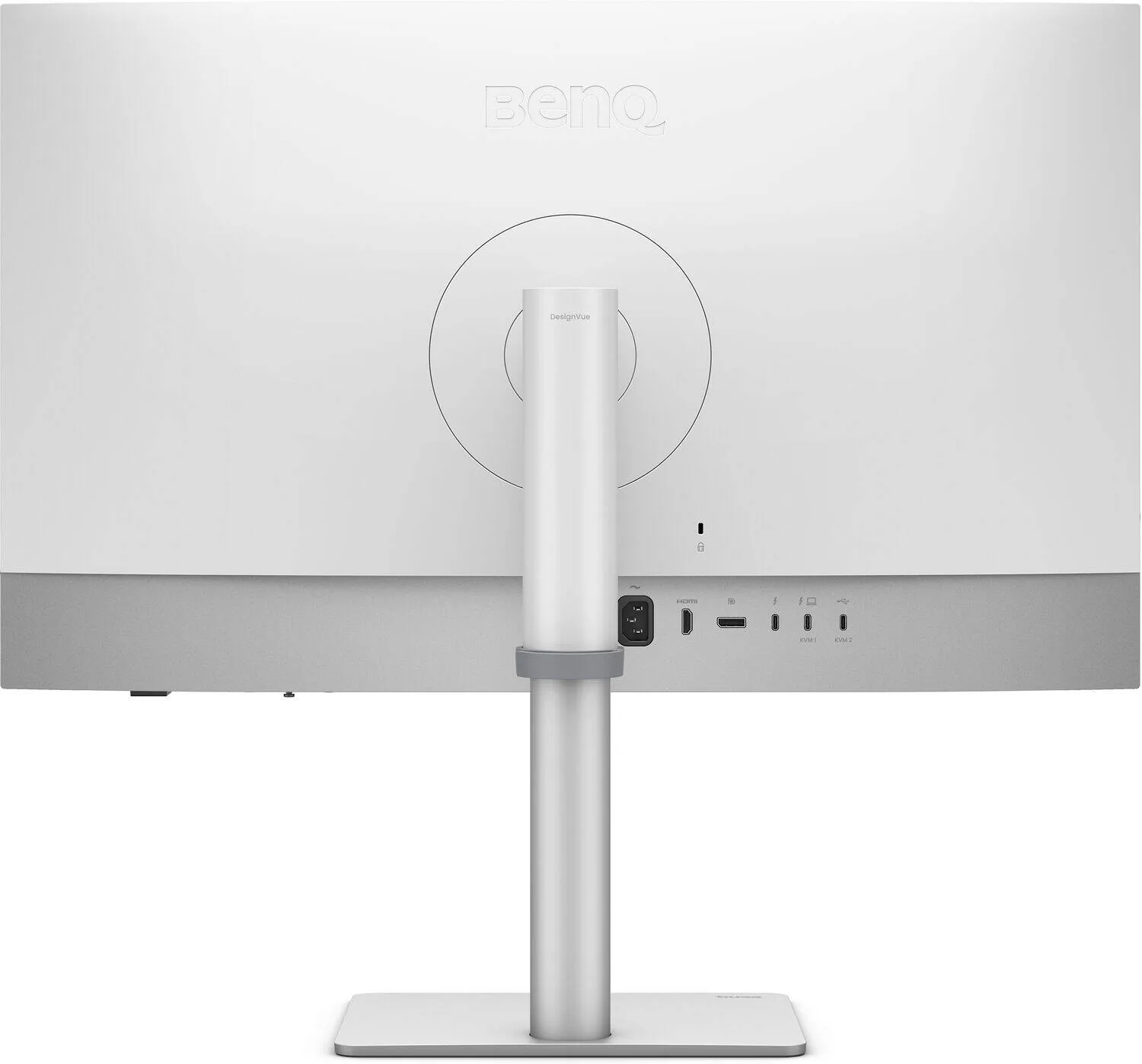
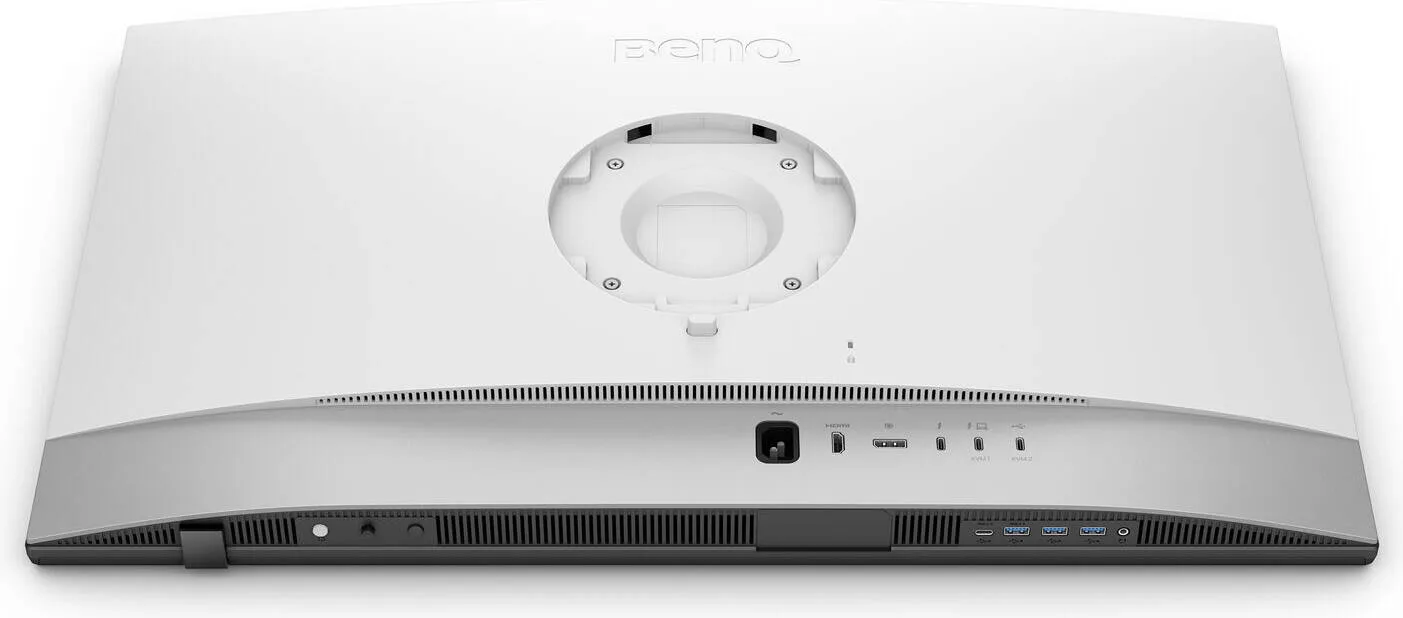
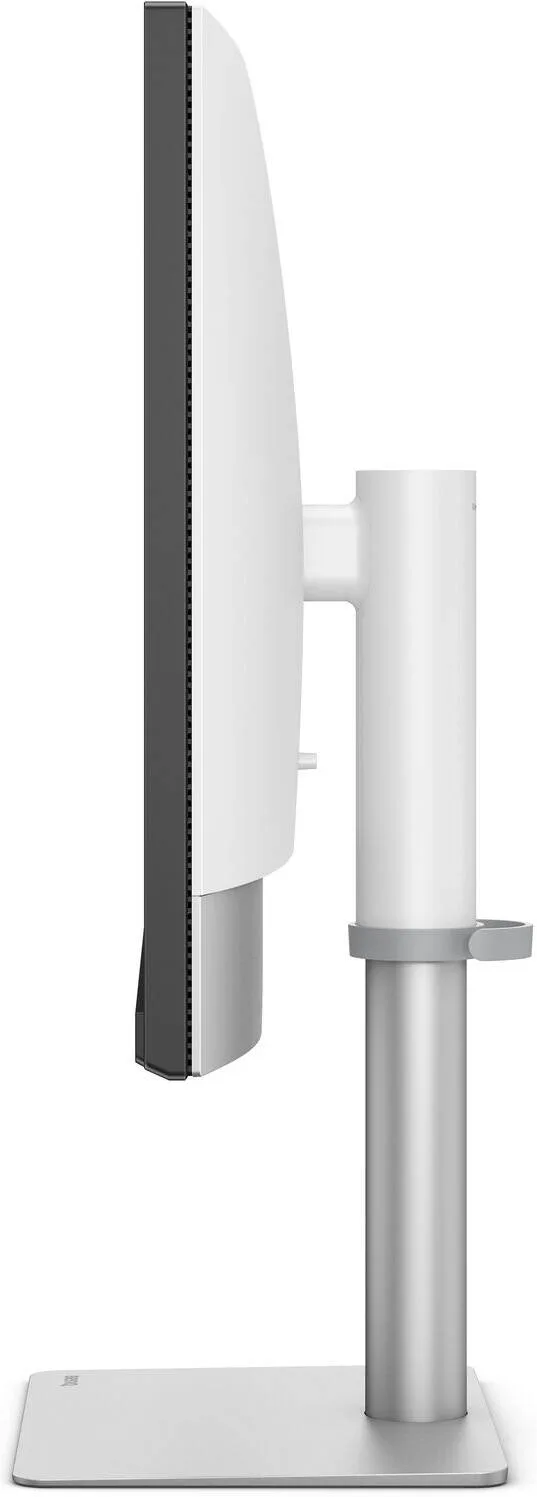
BenQ PD3226G Designer Monitor, 32" IPS Display, 4K UHD Resolution, 144Hz Refresh Rate, 1ms (GtG) Response Time, AMD FreeSync Premium Technology, 1.07b Color Display, White
- 4K UHD 95% P3 color coverage and 144Hz refresh rate for smooth motion and sharp visuals
- Factory-calibrated for out-of-the-box color accuracy and intuitive color matching across displays
- Thunderbolt 4 with 90W power delivery for fast data transfer and seamless Mac compatibility
Warranty: 1 Year — effortless warranty claims with UK-wide coverage. Learn more
Key specifications
- Curved
- No
- Panel type
- IPS
- Resolution
- 3840 x 2160
- Screen size
- 32"
- Refresh rate
- 144 Hz
Details
- Shipping Weight
- 14.95 Kg
- Shipping Dimensions
- 19.00 cm x 79.00 cm x 66.00 cm
- Aspect Ratio
- 16:9
- Response Time
- 1 ms
- Widescreen
- No
- Contrast Ratio
- 1200:1
- Color
- White
- Backlight Technology
- LED backlight
- Brightness (typ./peak)
- 400 / 400 nits
- HDR
- HDR10, VESA DisplayHDR 400
- Viewing Angle
- 178° / 178°
- Response Time (GtG)
- 1 ms
- Native Contrast
- 1200:1
- Color Gamut
- 100% sRGB, 100% Rec.709, 95% P3
- Color Modes
- User1, User2, DCI-P3, Display P3, Rec.709, sRGB, HDR, M-Book, DICOM, etc.
- Display Colors
- 1.07 billion colors
- PPI
- 140
- Screen Coating
- Nano Matte Panel
- Color Temperature
- 5000K, 6500K, 9300K, User Define
- Gamma
- 1.8–2.6, sRGB
- HDCP
- 2.3
- OSD Languages
- Multilingual (incl. English, French, Chinese, Spanish, etc.)
- AMA
- Yes
- Speakers
- 3W x 2
- Headphone Jack
- Yes
- Voltage Rating
- 100–240V
- Power Supply
- Built-in
- Power Consumption
- Normal: 55W / Max: 240W / Sleep: <0.5W
- USB-C / Thunderbolt PD
- 90 W
- Tilt
- -5° to 20°
- Swivel
- ±30°
- Pivot
- 90°
- Height Adjustment
- 150 mm
- Size (Landscape, mm/in)
- 486.3–636.3 x 714.3 x 242 mm / 19.1–25.1 x 28.1 x 9.5 in
- Size (Pivot, mm/in)
- 775.9 x 430.5 x 242 mm / 30.5 x 16.9 x 9.5 in
- Size w/o Base (mm/in)
- 430.5 x 714.3 x 75.7 mm / 16.9 x 28.1 x 3.0 in
- Weight (kg/lb)
- 9.7 kg / 21.4 lb
- Weight w/o Base (kg/lb)
- 7 kg / 15.4 lb
- VESA Mount
- 100 x 100 mm
- Accessories
- QSG, Warranty Card, Calibration Report, Safety Instruction, Hotkey Puck G3
- Signal Cable
- HDMI v2.1, Thunderbolt 4 (1m), USB 3.2
- HDMI (v2.1)
- 1
- DisplayPort (v1.4)
- 1
- Thunderbolt 4 (in/out)
- 1 in (PD 90W), 1 out (PD 15W)
- USB-C All-in-One
- Thunderbolt 3/4/5, Daisy Chain (TBT 3)
- USB-C Upstream
- 1 (USB 3.2 Gen 2, 10 Gbps)
- USB-A Downstream
- 2x 4.5W + 1x 7.5W (USB 3.2 Gen 2)
- USB-C Downstream
- 1 (7.5W, USB 3.2 Gen 2)
- Eye Care
- Flicker-Free, Low Blue Light
- Certifications
- TUV Certified, Reflection Free, Solidworks, Calman, Pantone, Pantone SkinTone
- Professional Features
- Factory Calibration, Video Format Support, Delta E ≤2, CAD/CAM, KVM, DualView, PIP/PBP, Auto Pivot, Animation/Darkroom Modes, Uniformity, ICCsync, Hotkey Puck G3
- Gaming
- VESA Adaptive-Sync, FreeSync Premium
- Software
- Display Pilot 2, Palette Master Ultimate, Display ColorTalk, Display Quickit
4.67 reviews
Got something to share?
Rate this product — your experience helps other buyers.
Daisy P. Used for: 1–3 months
Pros
Colour accurate enough for work and quick enough for games
Cons
The puck controller is another thing living on the desk
Comment
The reason I chose this over a pure ProArt was the 144Hz, and it turns out you really can have both. The calibration report in the box matched what my own meter said to within a whisker. The hotkey puck is useful but it does take up space.
Arthur N. Used for: Less than a month
Pros
Two machines on one keyboard with a button on the desk
Cons
The default picture mode is far too cool and too bright
Comment
The KVM was the deciding feature and it is better implemented than the last one I used. A press on the puck and the keyboard, the mouse and the picture all move to the other machine together, with no lag and nothing dropping off. Out of the box the picture is set to something very blue and very bright. Ten minutes in the menu with the sRGB mode and the brightness down to a sane level and it is a completely different screen. I would not judge this one on how it looks when you first switch it on.
Thomas B. Used for: 6–12 months
Pros
Thunderbolt hub, KVM and a factory calibration report in the box
Cons
Uniformity is good rather than Eizo good
Comment
This does an enormous amount for the money: hub, KVM, 144Hz, a proper factory report and a stand with real travel in it. As an all-rounder for a desk that does design in the day and games at night, nothing else I looked at came close on the list of features. Nine months in, the one thing I would flag is uniformity. There is a slight warm cast in the bottom left on a full white page. Nowhere near enough to matter for what I do, but it is there if you go looking.
Ava B. Used for: 1–3 months
Pros
Setup was quick and the factory report proved accurate
Cons
The OSD puck rolls off the desk if you nudge it
Comment
Checked the factory calibration sheet against my own meter and the two agreed closely enough that I stopped worrying about it altogether. Two months in and the only thing that still annoys me is the puck, which has no weight to it and ends up on the floor!
Sophie H. Used for: 6–12 months
Pros
Does the work and the play
Cons
Bezels are chunkier than the photos suggest
Comment
One screen for both jobs and I have stopped wanting a second one
Charlie L. Used for: Less than a month
Pros
Stand has proper height, pivot and swivel range
Cons
The bundled software wants more of the machine than it deserves
Comment
The stand deserves a mention of its own, because it goes low enough to put the top edge below my eye line, pivots into portrait without fouling the desk, and holds its position without drooping over the afternoon. The desktop software is the part I could do without. It wants to run at startup, it puts an icon in the tray, and it duplicates settings that already live in the on-screen menu. I use the puck instead and leave the software off the machine entirely!
Harry P. Used for: 3–6 months
Pros
144Hz on a colour-accurate 32 inch is a rare combination
Cons
Backlight bleed in the bottom two corners on a dark background
Comment
Bought for exactly the reason this model exists, which is not wanting a work screen and a games screen on the same desk. It does both jobs well, and switching between a calibrated sRGB profile and something with more punch is a single press. Four months in, the complaint is the corners. On a black screen in a dark room there is a visible glow in the bottom two, the sort of thing that never shows up in daylight and never shows up in a document, but does show up in the first ten seconds of anything with a dark opening scene.