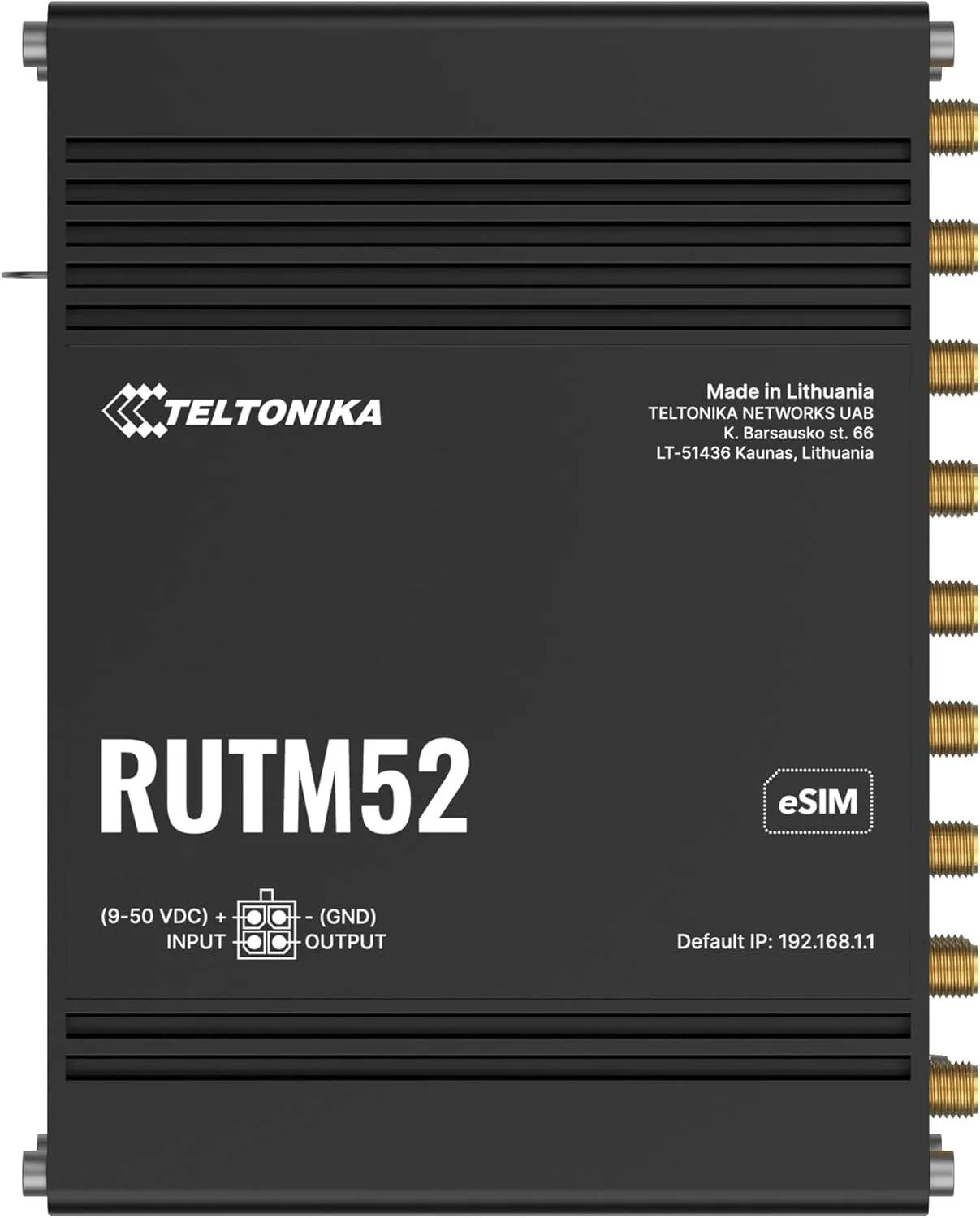
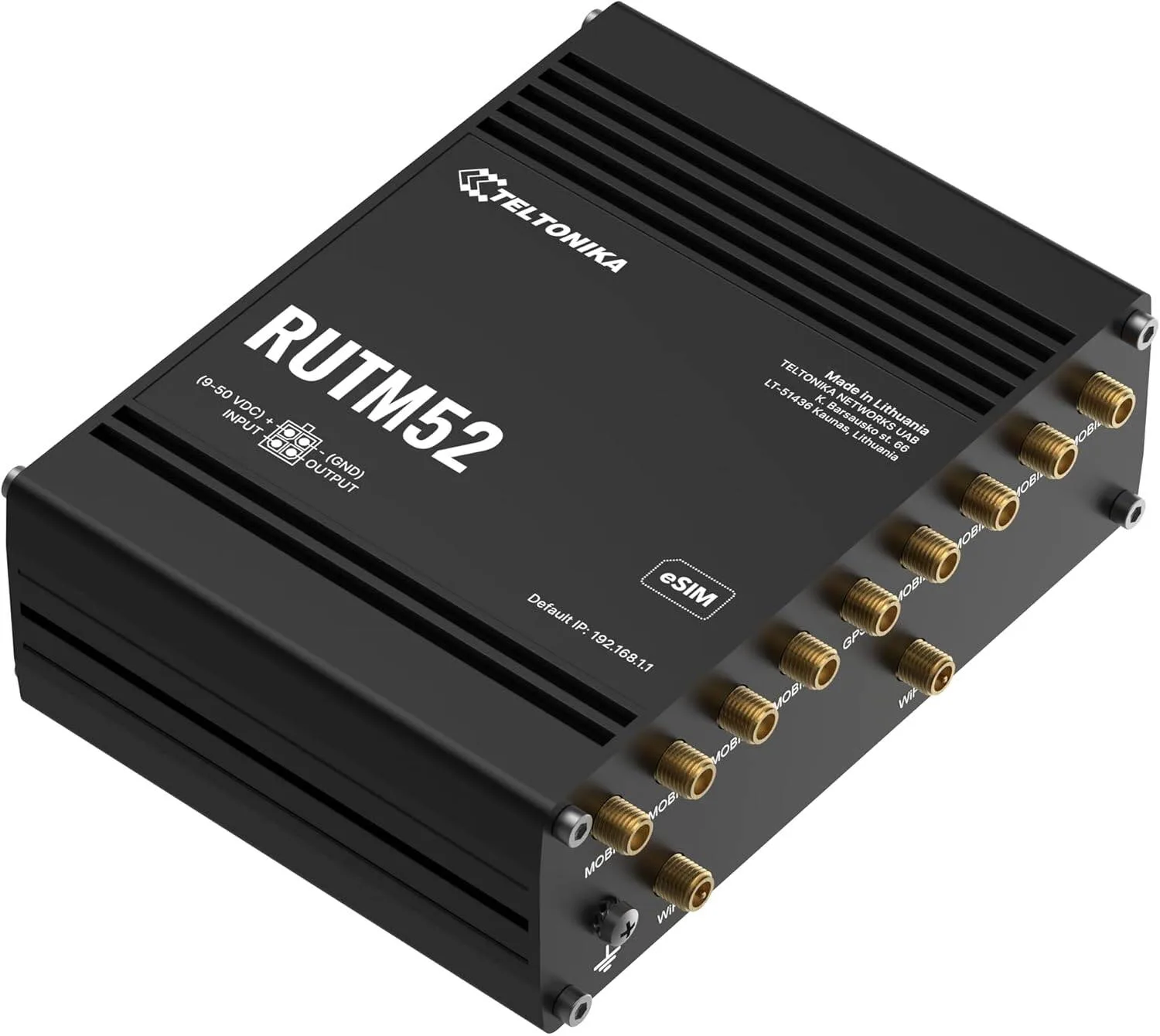
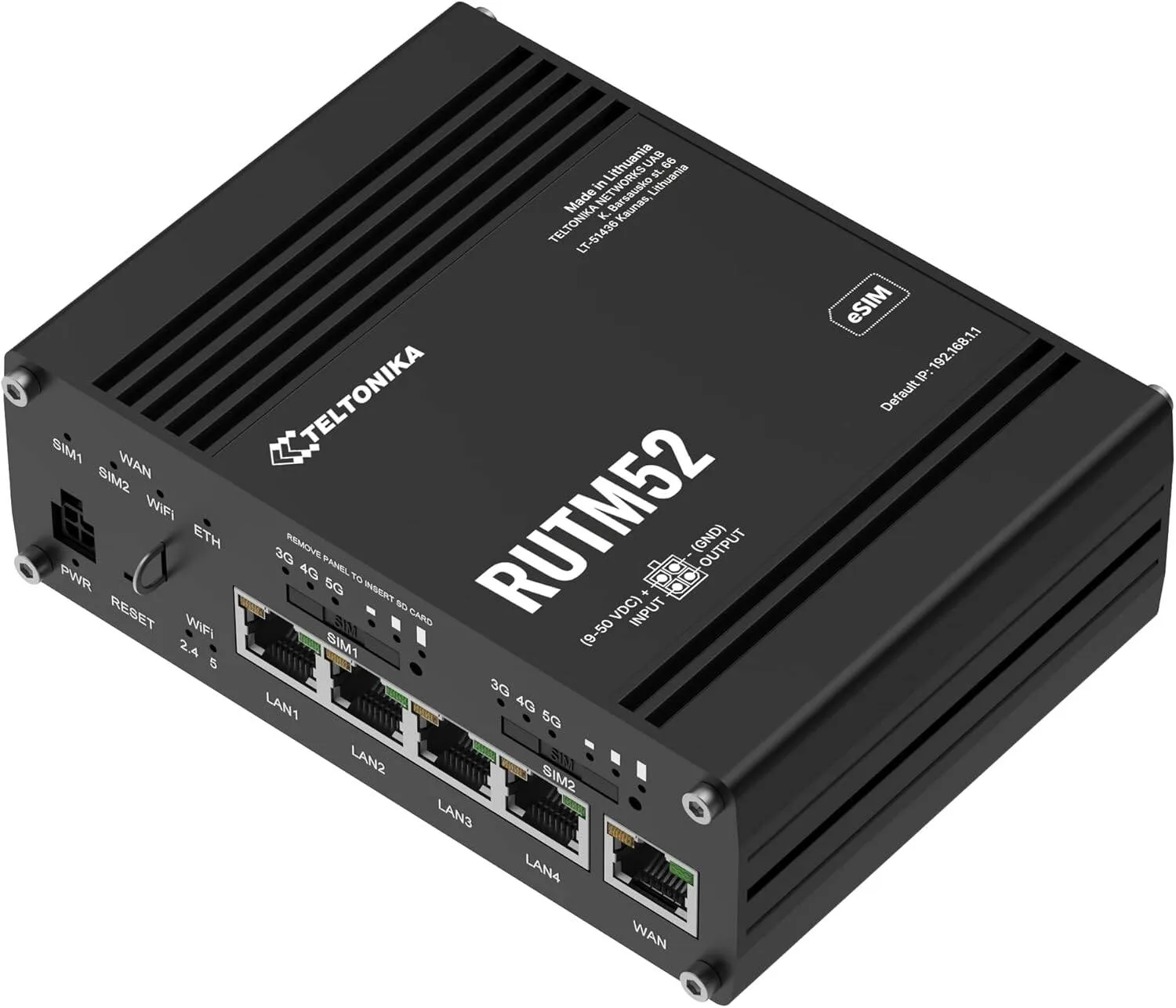
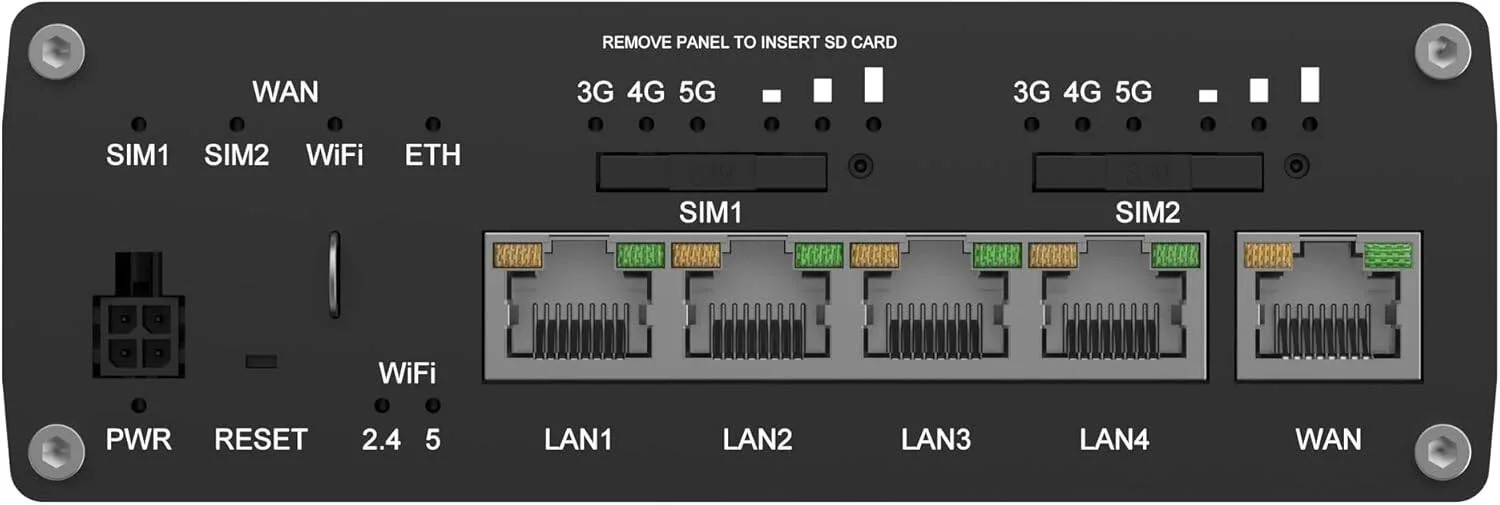
Teltonika RUTM52 Industrial 5G Router, Dual SIM eSIM LTE Router, Dual Band WiFi, Gigabit Ethernet, VPN Support, Remote Management RMS, Black
Teltonika
- DUAL ACTIVE 5G
- DUAL SIM
- DUAL eSIM
- LOAD BALANCING
Warranty: 1 Year — effortless warranty claims with UK-wide coverage. Learn more
Key specifications
- Color
- Black
Details
- Shipping Weight
- 1.96 Kg
- Shipping Dimensions
- 9.50 cm x 13.20 cm x 4.42 cm
- Connectivity Technology
- 5 G
- Compatible Devices
- Personal Computers, Laptops, Smartphones, Tablets, Smart TVs, Routers, Game Consoles
- Number of Ports
- 5
- Maximum Downstream Speed
- 2.1 Gbps
- Maximum Upstream Speed
- 165 Mbps
- Total Data Transfer Rate
- 3.3 Gbps
- Number of Ethernet Ports
- 5
4.79 reviews
Got something to share?
Rate this product — your experience helps other buyers.
George D. Used for: 1–3 months
Comment
The point of this box is the second SIM and it earns its keep the moment the main network has a wobble. Ours sits on a shelf in a plant room with no aircon and it has never once run hot enough to worry me, which the old consumer thing it replaced managed most summers. Configuration is all in the browser, no app, no account, no cloud sign-in needed to change a firewall rule. That alone sold it!
Millie B. Used for: More than a year
Pros
Has taken two winters on a rooftop aerial without complaint
Cons
The connectivity watchdog is switched off by default
Comment
Bought as the spare that lives in the van and ended up as the permanent router at our second site, which tells you how well it has held up. It has been on the end of a rooftop aerial through two winters and the case has not so much as discoloured. The mark against it is what happens when the mobile side goes quiet. Twice now the carrier has left the connection technically up while passing no traffic, and the router happily reported everything as fine because the interface was still green. There is a ping-based watchdog buried in the settings that fixes this, but it is off by default and I only found it because a forum post pointed at it. Turn it on before you rely on the thing.
Grace B. Used for: More than a year
Pros
Forgettable in the very best sense
Cons
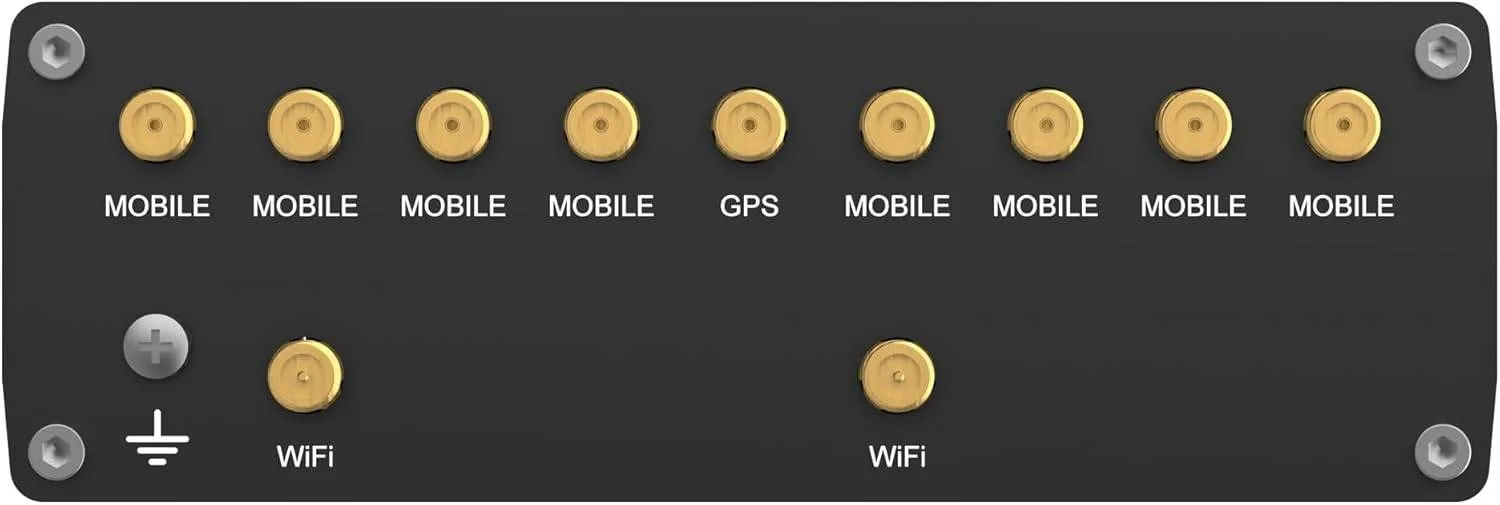
You will want the proper mobile aerials, not the stubby ones
Comment
It sits in a comms cupboard behind the boiler and gets forgotten about, which is the highest praise I can give a router. One firmware update since it went in, no reboots I did not ask for, and the failover to mobile happens quietly enough that nobody in the office ever reports it!
Millie C. Used for: Less than a month
Cons
Heavy for its size and the wall plate wants a proper fixing
Comment
Bought to replace a business router that could not hold a VPN tunnel up for more than an hour at a stretch. This one has not dropped it once since the day it went in, and I can see the tunnel state on the front page of the interface rather than digging through a log. Solid metal case, no fan, no noise.
Jack R. Used for: 6–12 months
Cons
The remote management portal is a yearly licence on top
Comment
Swapped it in as the failover box for a two-man surveying office where the fibre goes down every time someone digs the verge. Dual SIM means it hops to the second network without anyone in the office noticing, and the web interface will tell you exactly which one it is sitting on. Eight months in and the only outage we have had was the one we caused ourselves by pulling the wrong plug
Rosie L. Used for: Less than a month
Pros
DIN rail and wall mounts both supplied
Cons
No wizard at all, you are expected to know the vocabulary already
Comment
Came out of the box configured for nothing in particular, which I gather is rather the point. An afternoon with the manual open and it is doing exactly what I wanted: main line on the WAN port, 5G as backup, and a text to my phone when it switches over. The mounting kit takes DIN rail or a wall plate and both were in the box, which is more than the last three bits of network gear I have bought managed. Be warned that the web interface is dense. There is a setting for everything and no wizard holding your hand, so if you want an app with a big green tick this is not it.
Oscar N. Used for: 3–6 months
Cons
Two places to set DNS and only one of them takes effect
Comment
The reason we chose this over a cheaper industrial box was the dual SIM, and on that front there is nothing to complain about: the primary carrier dropped for most of an afternoon in June and not one till in the shop noticed. It logs the switch, times it, and puts it in a table you can actually read. Four months in, the two grumbles are both about the software rather than the metal. Firmware updates want a reboot and there is no way to schedule one for three in the morning without setting up a separate task, which feels like an odd omission at this money. And the interface has three different places where you can set a DNS server, only one of which is the one that takes effect for clients. I lost a good hour to that before finding the right box.
Poppy F. Used for: More than a year
Pros
Two SIMs and it swaps between them on its own
Cons
The manual assumes you already know what a WAN failover rule is
Comment
Runs the whole of a small holiday let: guest network on one SSID, our own kit on another, and the booking tablet on a third that can only see the internet. Speeds over 5G are honestly better than the copper line the cottage used to have. A year and a half on it has rebooted itself twice, both times after a firmware update I asked for
Florence H. Used for: Less than a month
Pros
External aerial ports actually earn their keep
Cons
Fleet monitoring is a per-device subscription
Comment
We put this in at a small depot where the landline is unreliable and the mobile signal is worse, so the whole job rested on the external aerial ports. Those work: with a pair of panel aerials on the roof we went from two bars indoors to a usable signal at the desk, and throughput at the far end of the yard is now good enough for the stock system to stop timing out. What costs it a star is the management side. The device itself is free to configure in the browser, but if you want to watch a fleet of them from one screen you are into a subscription per device per month, and that was not obvious to me when I ordered. For one site it hardly matters. For the eight we are planning it changes the sums considerably, and I would rather have paid more for the hardware and owned the monitoring outright.