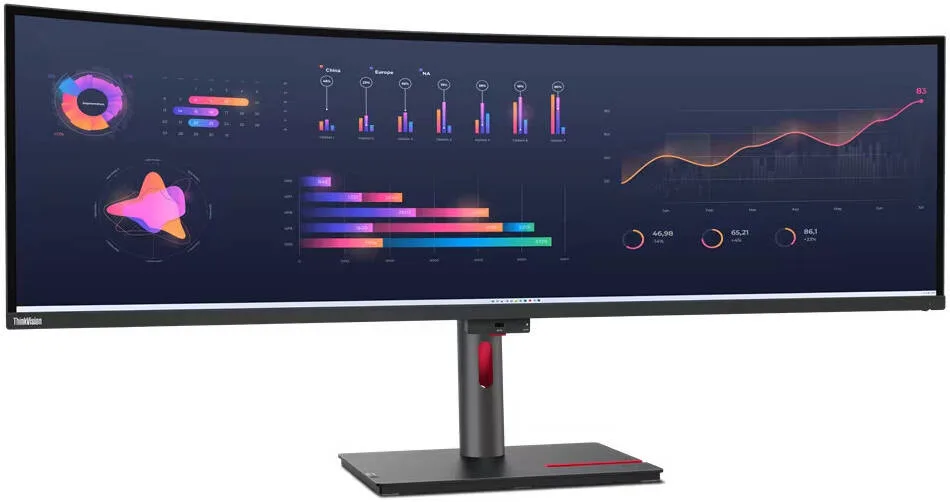
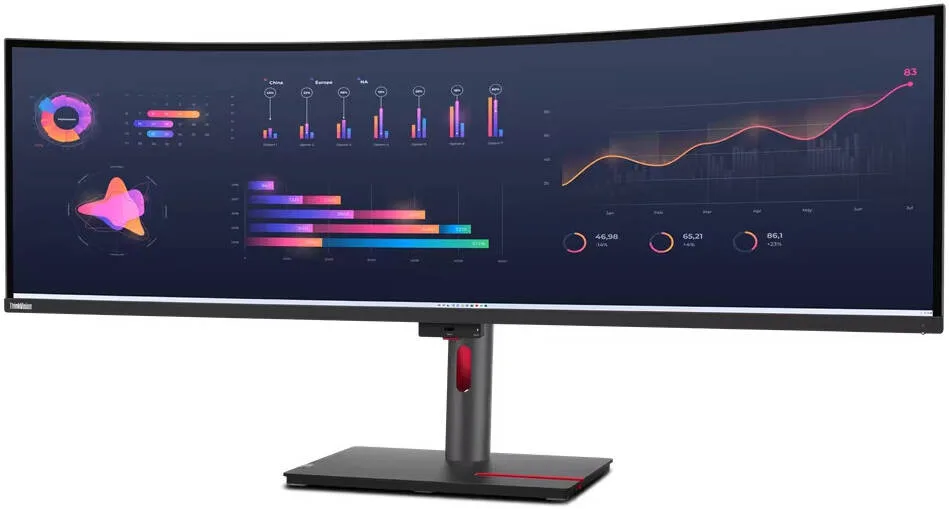
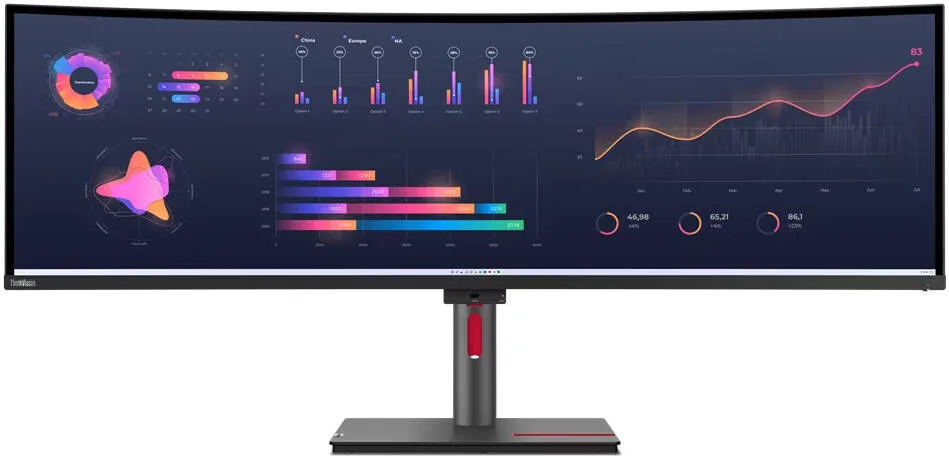
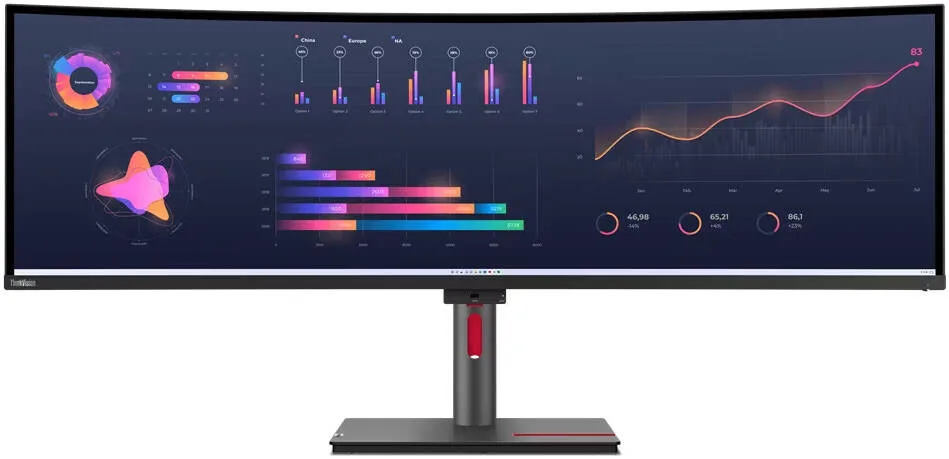
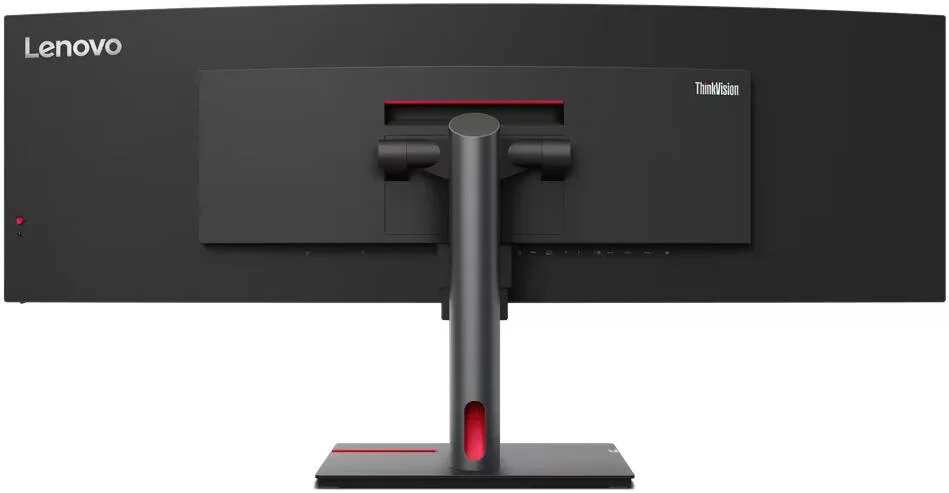
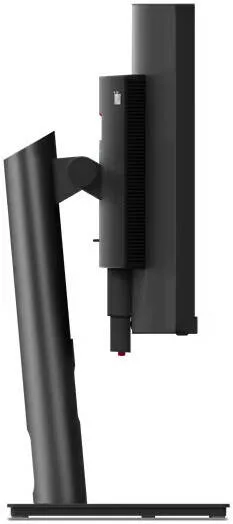
Lenovo ThinkVision P49w-30, 49" Dual QHD Curved 4ms Multitask IPS Monitor, 98% DCI-P3 with 1.07Bn Colors, eKVM, KVM Switch, 2* 5W Speakers, USB-C, USB 3.2, TB-4, HDMI 2.1, DP 1.4, Black
- ThinkVision P49w-30 Monitor
- Achieve peak productivity with ease!
- Key Features
- In-Plane Switching technology for deep blacks, vibrant colors, and wide viewing angles
- Dual QHD resolution (5120 x 1440) and 2000:1 contrast ratio on a 49-inch screen
- eKVM/KVM switch for seamless switching between connected PCs
Warranty: 1 Year — effortless warranty claims with UK-wide coverage. Learn more
Key specifications
- Curved
- Yes
- Panel type
- IPS
- Resolution
- 5120 x 1440
- Screen size
- 49"
- Refresh rate
- 60 Hz
Details
- Shipping Weight
- 15.80 Kg
- Shipping Dimensions
- 25.30 cm x 121.00 cm x 57.60 cm
- Aspect Ratio
- 32:9
- Response Time
- 4 ms
- Widescreen
- Yes
- Contrast Ratio
- 2000:1
- Color
- Black
- Display Size
- 49"
- View Area
- 1198.1x337.0 mm
- Panel
- In-Plane Switching
- Backlight
- WLED
- Pixel Pitch
- 0.234x0.234 mm
- Dot / Pixel Per Inch
- 109 dpi
- View Angle (H / V)
- 178° / 178°
- Color Support
- 1.07 Billion
- Brightness
- 350 cd/m²
- Color Gamut
- 98% DCI-P3
- Screen Surface Treatment
- Anti-glare
- Curvature
- 3800 R
- Camera
- Modular Camera Support
- Microphone
- None
- Speakers
- 5Wx2
- Power Consumption (Typical / Maximum)
- 58W / 265W
- Power Adapter
- Integrated
- Touchscreen
- None
- Smart System
- None
- Stand
- Tilt, Swivel, Height Adjust Stand
- Case Color
- Raven Black
- Side Bezel Width
- 2.1 mm
- Dimensions with Stand (HxWxD)
- 576.3 x 1215.1 x 253.9 mm / 22.69 x 47.84 x 9.99 inches
- Weight (Including Stand)
- 15.8 kg / 34.8 lbs.
- Mounting
- Supports VESA mount 100 x 100 mm & 200 x 100 mm
- ThinkCentre M Series Support
- Tiny Support
- USB Port
- 4x USB 3.2 Gen 1, 1x USB-C® 3.2 Gen 1, 1x USB-B 3.2 Gen 1, 1x Thunderbolt™ 4 Out, 1x Thunderbolt 4 In
- Video Connector
- 2x HDMI® 2.1, 1x DP 1.4, 1x Thunderbolt™ 4 in, 1x Thunderbolt 4 out
- Network Connectivity
- 1x RJ45, Ethernet (10M/100M/1000M)
- Environmental Certification
- ENERGY STAR® Certified, TCO 9.0, TCO edge 2.0, EPEAT™ Gold, RoHS
- Ergonomic Certification
- Eyesafe® Display 2.0, TÜV Low Blue Light (Hardware solution), TÜV Rheinland® Eye Comfort
- Sync Technology
- None
- Special Features
- Factory Calibration: Avg. Delta E<2 Picture In Picture (PIP) / Picture By Picture (PBP) Support True Split KVM Switch Natural Low Blue Light Smart Power The Smart Power function intelligently detects overall power consumption and dynamically manages the power delivery to each device Lenovo® ThinkColour (Lenovo Display Accessories and Display Manager) Support Lenovo ThinkColour supports Windows® 10 & 11, Mac OS, and Windows On Arm (functions vary across systems). Lenovo Display Accessories and Display Manager is formerly Lenovo Display Control Center.
- Operating System
- Support Windows® 10, Windows 11
- Video Cables
- USB-A to USB-B cable, Thunderbolt™ cable
4.77 reviews
Got something to share?
Rate this product — your experience helps other buyers.
Oliver E. Used for: Less than a month
Pros
The KVM and picture-by-picture mode do exactly what the manual says
Cons
Two machines side by side means two lots of 2560 wide, which is tight
Comment
Set up with the work laptop and the desktop feeding it at once, split down the middle, one keyboard and mouse switching between them from a hotkey. That was the entire reason for buying it and it works exactly as described, which after reading a lot of forum threads about other people's KVMs I had not taken for granted. The compromise is what each half amounts to. Every side ends up 2560 by 1440, which is a perfectly ordinary monitor, so this is not two big screens, it is two normal ones with no bezel in between. For the work I do that is the right trade. The curve is gentle, the stand is a proper ThinkVision affair with real travel, and the whole thing feels built to sit in an office for a very long time!
Charlie P. Used for: Less than a month
Cons
The OSD buttons are round the back
Comment
Excellent screen with a menu you operate entirely by feel
Rosie H. Used for: More than a year
Cons
1440 of height is not much when the width is this generous
Comment
Two years of this on a work desk and it has replaced a dual-monitor setup completely. The only thing I miss is vertical space, because a long document still needs a lot of scrolling
Daisy R. Used for: Less than a month
Pros
Genuinely replaces two monitors and the dock with them
Cons
Window management needs a third-party tool to be useful
Comment
The desk has gone from two panels, two cables, a dock and a power brick down to one screen and a single lead to the laptop, which is worth something on its own. What took me three weeks to sort out was the window management. Half a screen this wide is still a big window, and the built-in snapping only gives you halves and quarters, so I ended up with a third-party tool to define proper zones. Once that was set it became genuinely useful rather than merely wide!
Harry R. Used for: 3–6 months
Pros
No bezel down the middle and one cable to the laptop
Cons
Only 60Hz, which shows when you drag a window the full width
Comment
For spreadsheets and long timelines the uninterrupted width is exactly what I was after, and the hub means the laptop arrives on a single cable. Dragging a window from one end to the other at 60Hz across this much screen is not a smooth affair!
Oliver K. Used for: Less than a month
Pros
Text is crisp at 100 per cent, no scaling needed
Cons
Slight brightness fall-off towards the far edges
Comment
At this pixel pitch everything sits at 100 per cent scaling and stays perfectly readable, which suits the applications I live in. There is a gentle dimming towards both far edges on a white page, visible if you go looking for it and invisible otherwise.
Oliver L. Used for: 1–3 months
Pros
Replaced two screens and a dock in one go
Cons
Needs a deep desk to sit properly
Comment
Desk is tidier than it has been in a long time and the picture is lovely