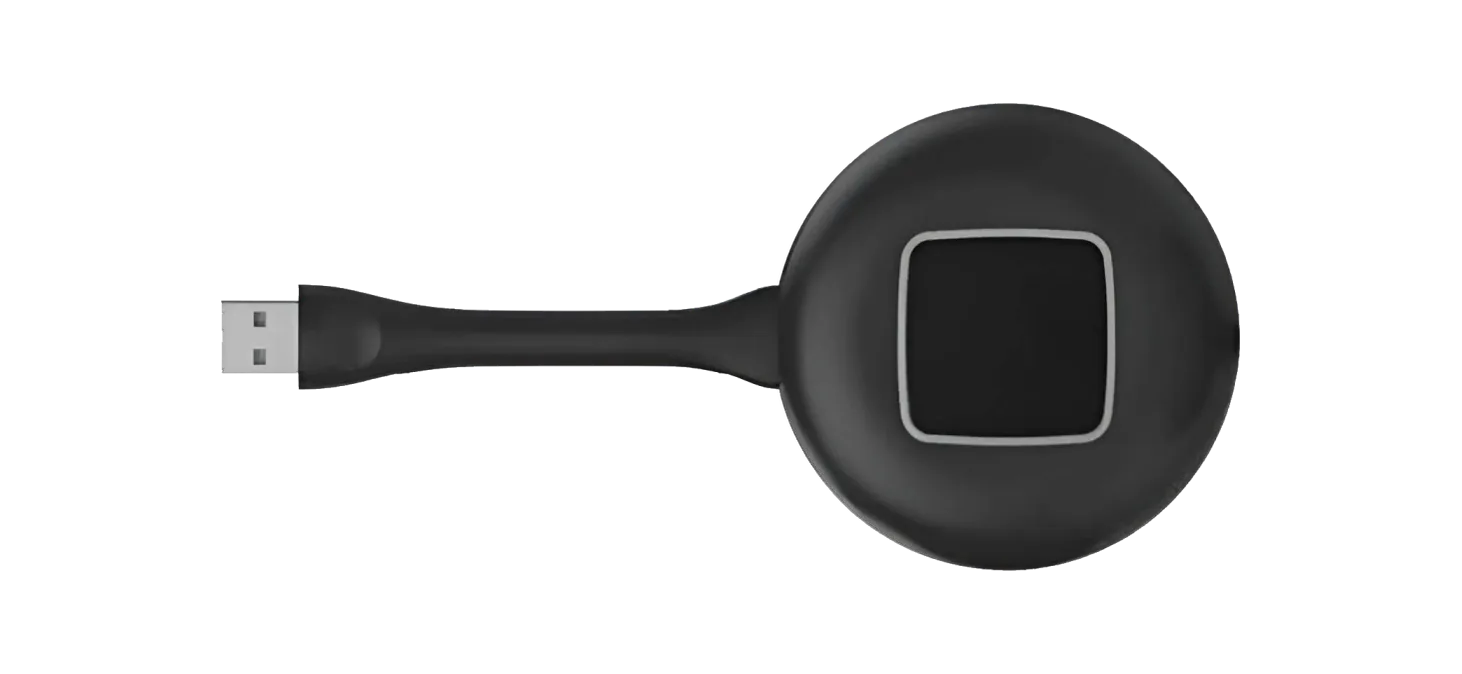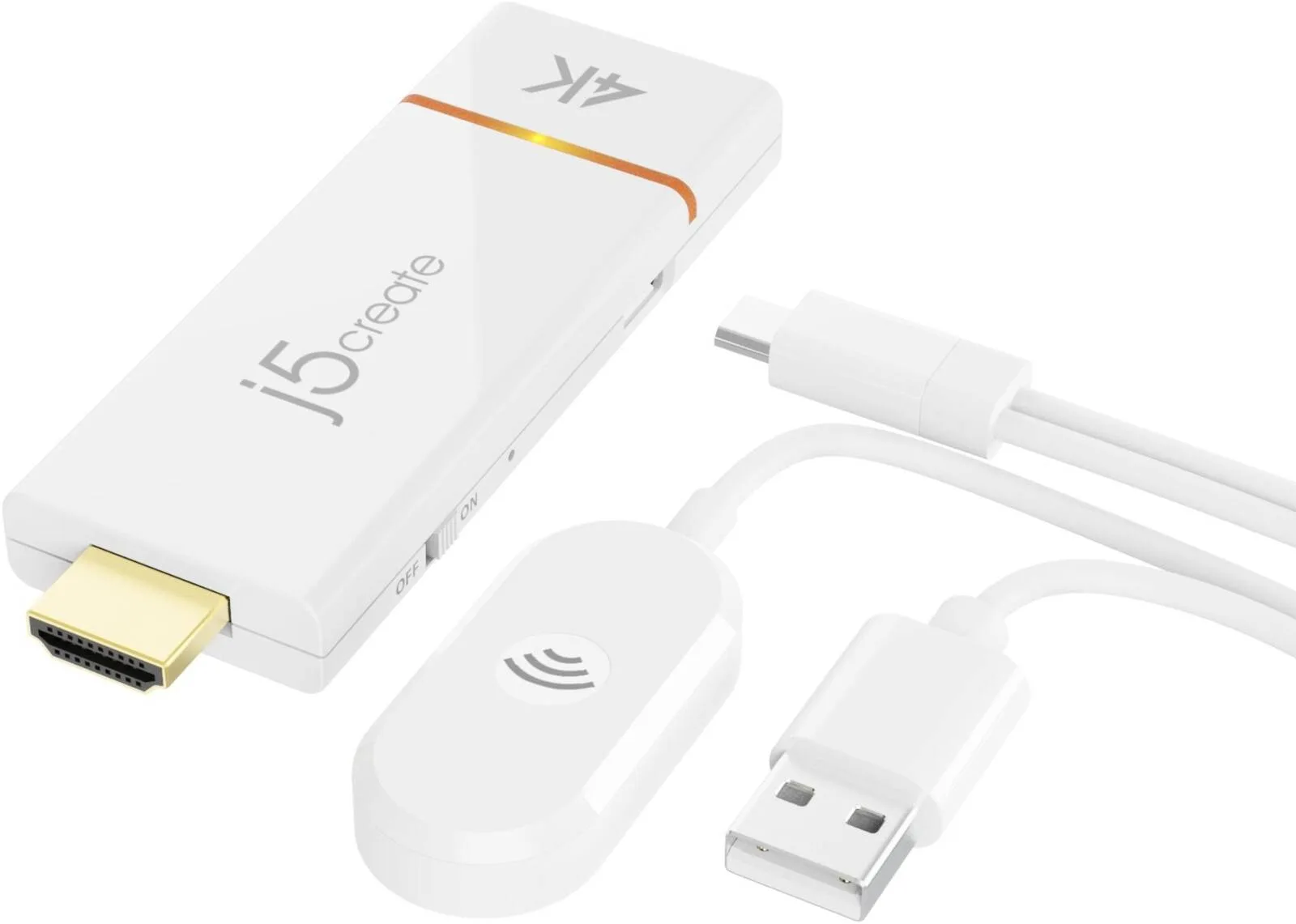
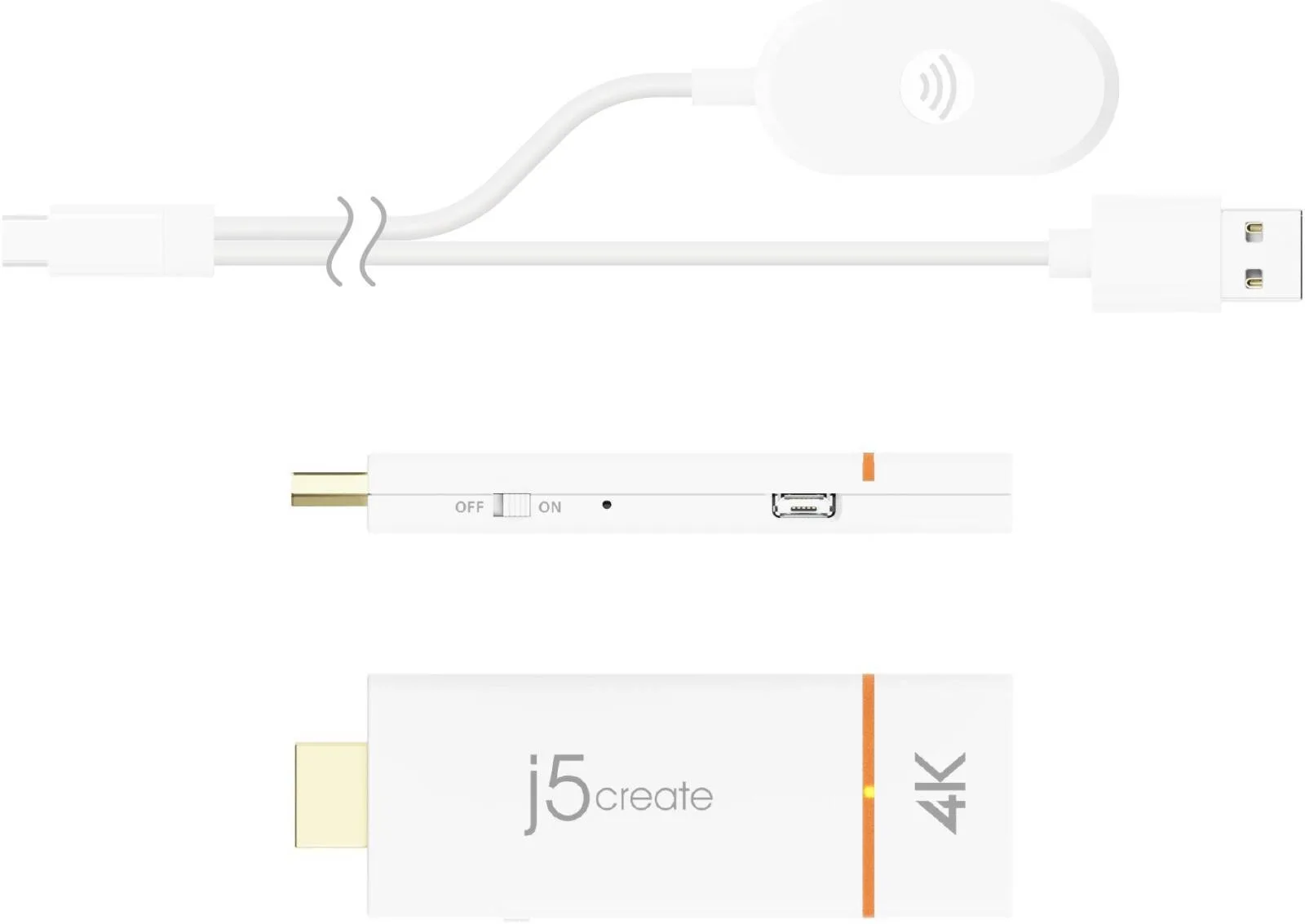

J5create ScreenCast 4K Wireless Display Adapter, HDMI Male Host, Supports Up to Full 4K @ 30 HD Resolution, Built-In Dual Band (2.4 GHz 5 GHz), 100cm Cable Length, White
j5Create
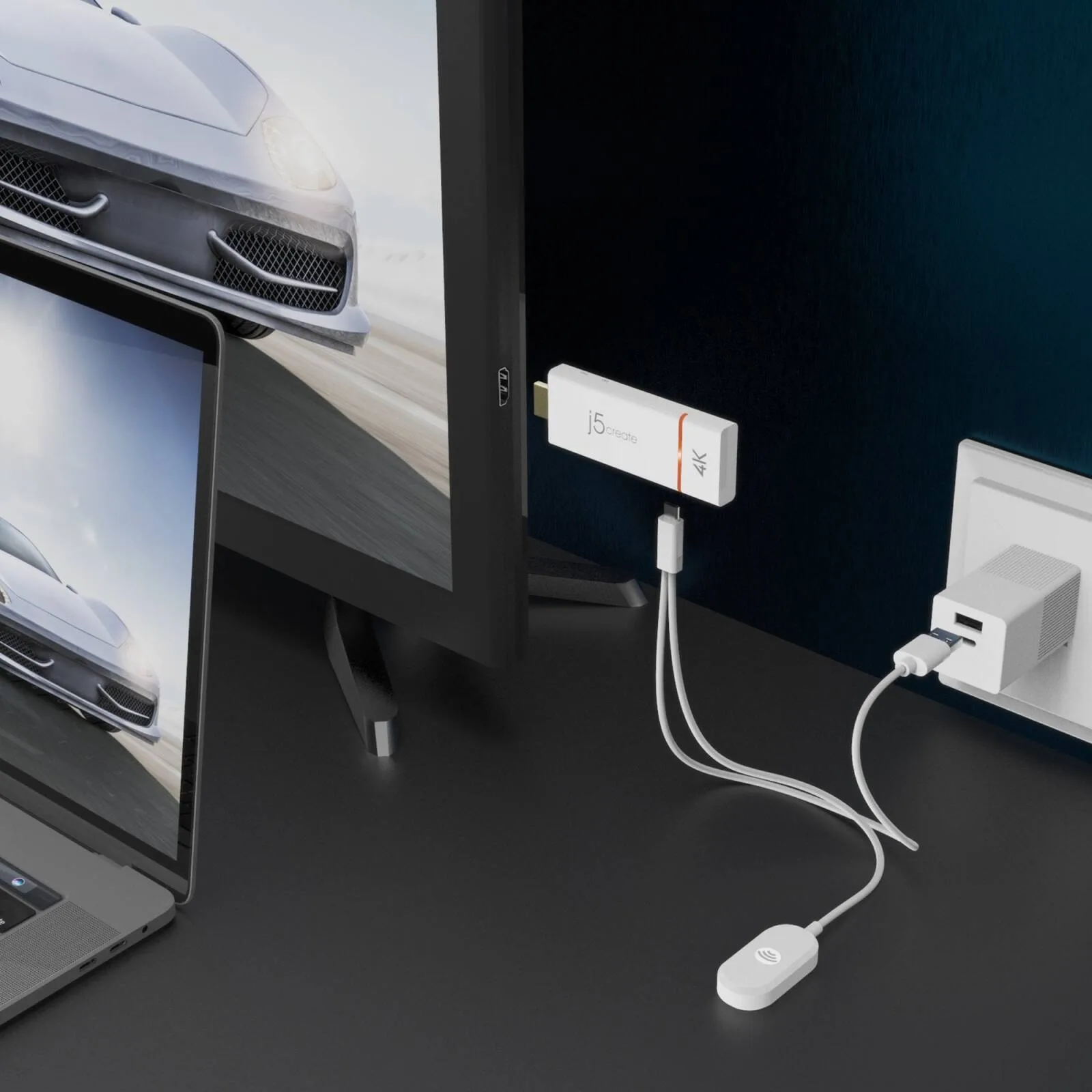
- Wirelessly share content from your mobile device to your HDTV
- Native support for AirPlay®, Miracast®, & Chromecast™ (Google Cast™)
- Supports up to full 4K30 HD video
- Built-in dual band (2.4 GHz and 5 GHz) ensures a stable connection
- Quick and easy setup - No apps or Wi-Fi® needed
Warranty: 1 Year — effortless warranty claims with UK-wide coverage. Learn more
Details
- Shipping Weight
- 0.15 Kg
- Shipping Dimensions
- 4.00 cm x 9.50 cm x 15.51 cm
- Host Connector
- HDMI™ male
- Power Source
- USB™ micro-B to USB™ Type-A male
- Audio Channel
- 2.1 via HDMI™
- HDMI Compliance
- HDMI™ v1.4
- Security - Encryption
- WPA2
- Supported Resolution - Output
- 3840 x 2160
- Cable Length
- 39 in. (100 cm)
- Color
- White
- Connector Type
- Plastic
- Operating Humidity
- < 85% non-condensing
- Operating Temperature
- +14 to +104°F (-10 to +40°C)
- Product Depth
- 0.43 in. (11 mm)
- Product Height
- 3.74 in. (95 mm)
- Product Weight
- 2.8 oz (79.5g)
- Product Width
- 1.25 in. (32 mm)
- Storage Humidity
- < 85% non-condensing
- Storage Temperature
- -4 to +122°F (-20 to +50°C)
- Antenna Type
- External antenna
- Channel Width
- 20 MHz, 40 MHz
- Frequency
- 2.4 GHz, 5 GHz
- Range
- Up to 10 -15 meters
- Standard
- IEEE 802.11ac
- 1 - JVAW76 ScreenCast
- 4K Wireless Display Adapter
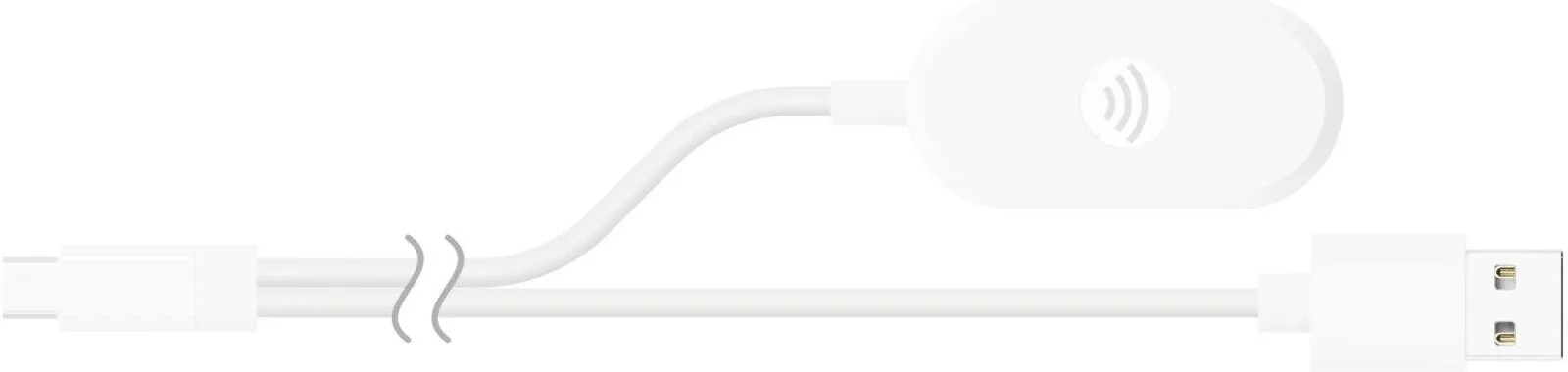
- 1 - External antenna with
- USB™ Type-A power cable (39")
- 1 - HDMI™ extension cable
- (5.11")
- 1 - Quick Installation Guide
- (QIG)
4.65 reviews
Got something to share?
Rate this product — your experience helps other buyers.
Freya K. Used for: More than a year
Pros
Two years in the busiest room in the building, no failures
Cons
Needs a power cycle after a firmware update
Comment
Sits behind the screen in the room that gets booked more than any other, and it has earned its place. Anyone can present, including visitors stuck on guest wifi, and the picture comes up quickly enough that nobody has asked for the old cable back. The deductions are for maintenance. Firmware updates have twice left it showing the pairing screen with nothing able to connect, and the only cure is pulling the power for 10 seconds. Not a disaster in a room you can walk into, more annoying in a room on another floor. Two years in and the other complaint is that it does not remember a preferred laptop, so a presenter still has to pick the display each time. Small thing, but in a room with back-to-back bookings the small things are what people moan about.
Theo E. Used for: Less than a month
Pros
Set up in ten minutes and every laptop in the office found it
Cons
The television USB port would not power it reliably
Comment
Set it up on the boardroom telly on a Friday afternoon and had all four laptops in the department mirroring to it before I went home. That is faster than any of the wired switchers I have installed in that room. One thing the box does not shout about: the USB port on the back of the television will not reliably power it. Ours came up, showed the pairing screen and then dropped out every few minutes until I moved it onto the mains plug that comes in the box. Since then, nothing at all. Quality at 1080p is genuinely good, sharp text, no visible lag scrolling a spreadsheet. 4K works and looks lovely on a still slide, less lovely on anything with motion in it. For slide decks and dashboards, which is ninety per cent of what that room does, it is exactly right!
Grace G. Used for: 3–6 months
Pros
Meetings actually start on time now
Comment
Meetings start on time now that nobody spends the first five minutes hunting for the right cable
Ella H. Used for: 3–6 months
Pros
No dongle to pass round the table any more
Cons
Wants a clean 5GHz channel to itself
Comment
Replaced the ritual of passing a USB-C dongle round a table of eight people, half of whom have the wrong port anyway. Everyone mirrors from their own machine now and nobody asks where the lead has gone! It does want a clear 5GHz channel: in the room next to the kitchen where the microwave lives it stuttered badly until IT moved it, and since then it has been solid.
Sophie C. Used for: 6–12 months
Pros
Guests share without an app or a cable on the table
Comment
The point of this in our meeting room is that a visitor can put a laptop on the table, pick the screen from the display list and be presenting in about fifteen seconds, with no software to install and no cable to hunt for underneath the table. It does that very well. Picture at 1080p is indistinguishable from a wire for slides. Push it to 4K and it holds, but the frame rate falls away on anything that moves, so video over it is watchable rather than good. Eight months of daily stand-ups and the only reboots have been after the building wifi was reconfigured.