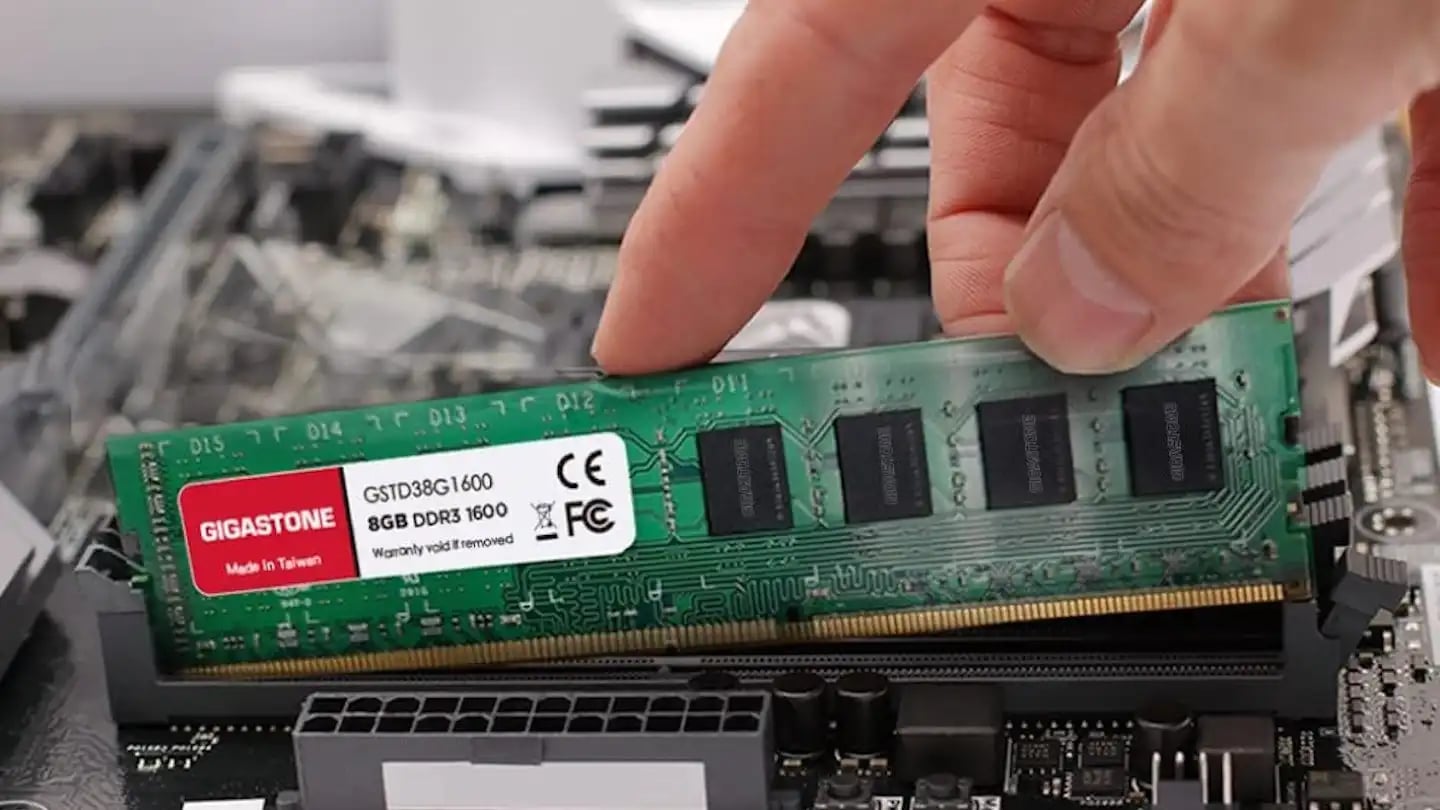
You did the careful thing. You opened the board maker's compatibility list, found your exact memory kit on it, and bought that one specifically. The machine boots, everything works, and the memory is running at 4800 — several hundred megatransfers below what the box promises and what the list said the board had achieved.
Nothing has failed, nothing is faulty, and the list was not wrong. It simply answered a question with three terms in it, and you have changed one of them.
What a compatibility list actually records
The list is a record of testing: a board maker took a kit, put it in a board, applied the kit's profile, and it worked. That is a real measurement and it is worth having.
What it is not is a statement about your machine, because the test involved a third component that does not appear in either column of the table: the processor.
The memory controller does not live on the motherboard. It is on the processor die, and it is the part that has to talk to the modules at whatever rate you ask for. The board provides the traces and the power; the controller does the work.
So the list entry means: this kit, on this board, with the specific processor the test engineer had in the socket that day. You have a different one — same model, different die, from a different position on a different wafer.
Why one sample is not the population
Memory controllers vary between individual chips in exactly the way core clock speeds do. Two processors with the same model number and the same specification will not necessarily run memory at the same speed, and the manufacturer does not promise that they will.
What the manufacturer promises is the base speed — the industry-standard rate every module and every controller must manage. That figure is commonly 4800 on earlier modules of this generation and 5600 on later ones, and it is precisely the number your machine fell back to.
Everything above it is an overclock. The profile stored in your modules is a set of settings the memory vendor validated on their test platform, offered to your board to apply. When the board applies it and the controller cannot hold it, the machine either fails to train and retries at the base speed, or trains and then behaves unpredictably. Falling back is the good outcome.
This reframes the whole subject usefully. A memory kit is not a component with a speed. It is a component with a guaranteed speed and an invitation, and whether the invitation is accepted is a property of your processor.
Four more things the list does not tell you
When it was compiled
Compatibility lists are largely built around a board's launch, on firmware that was current then. Memory support improves substantially over a platform's life — a board that could not hold a given speed at launch frequently can a year later, after several firmware revisions. The list is rarely re-run, so it can be pessimistic as well as optimistic, and it is stale in both directions.
How many modules were in the board
A kit validated as two modules is a different test from the same capacity as four. The lists usually separate these into different columns, and the four-module entry is at a lower speed when it exists at all. Reading the wrong column produces exactly the disappointment this article is about.
What "worked" meant
The list does not define its own pass condition. Booting into an operating system is a much weaker test than hours of memory validation under load, and a list entry does not tell you which was performed. A kit can be listed and still be marginal in your machine — stable enough to boot and not stable enough to compile for an afternoon.
Which revision of the kit
Memory vendors change the dies inside a kit without changing its part number. A kit tested a year ago and a kit with the same number bought today may contain different memory. The part number is a promise about the profile, not about the silicon.
What to do when it lands at the base speed
- Check that the profile is actually switched on. This is the most common cause by a wide margin. Boards do not apply it by default — the setting must be enabled explicitly, and a machine that has never had it turned on is running at the base speed correctly.
- Update the firmware before concluding anything. Memory training is where most of the improvement in board firmware goes, and a board two or three revisions behind is not the board the current list describes.
- Give it time to train. The first boot after a memory change can take a long while — tens of seconds of black screen, sometimes several attempts. That is the controller working out timings, not a failure. Interrupting it is what turns it into one.
- Enable the setting that remembers the training result if your board has one. It makes subsequent boots quick, at the cost of not re-testing conditions that may have changed.
- Try one step down. If the profile is 6400 and will not hold, 6000 very often will, at nearly all the benefit. This is the single most effective move on this list and it takes one setting.
- Check the controller ratio. Above a platform-specific threshold the controller drops to a divided mode, and a rate just past that threshold can be slower than one just below it while looking faster.
- Then test it properly — hours of memory validation, not a boot. A machine that boots at a rate it cannot sustain will produce faults you will spend a week blaming on software.
What the board is doing during that long black screen
The wait after a memory change is not the machine hesitating. It is memory training, and knowing what it is makes the rest of this subject easier to reason about.
At the speeds involved, the signals arriving at the modules are far too fast for fixed settings to work across every board, every module and every controller. So the board sweeps: it tries a configuration of delays and voltages, tests whether data comes back intact, adjusts, and repeats — dozens of times, across many parameters, until it finds a set that works on this combination of parts at this temperature.
That is why the first boot after a change can take tens of seconds of black screen, and why it may restart itself two or three times on the way. Interrupting it is the one thing that turns a slow boot into a real problem, because a board cut off mid-training can come back with a half-finished configuration.
It also explains something that puzzles people: a machine can train successfully and still be marginal. The training happened once, on a cold board, and found settings that worked at that moment. A configuration at the edge of what the controller can do may pass that test and fail three hours into a warm afternoon.
The setting that stores the trained result and reuses it on subsequent boots is therefore a real trade rather than a free speed-up. It makes every boot after the first one quick, and it means the board stops re-checking conditions that may have changed.
Reading a compatibility list properly
Given all of the above, there is a way to get the most out of the list that costs nothing:
- Read the configuration column, not just the kit name. Two modules and four modules are separate rows with separate results, and the four-module row is the pessimistic one.
- Check the firmware revision the entry was tested under, where it is stated, and compare it with what your board is running. An entry from a revision you have not installed is not describing your board.
- Note the date. An entry from the board's launch and one added last month are very different qualities of evidence.
- Prefer the kits that appear on several boards' lists for your platform. A kit that many vendors validated has been through many samples of the test, which is closer to a population than one entry ever is.
- Rank your sources honestly. The platform vendor's own guidance about what its controllers do comfortably is the strongest evidence, the board's list is next, and reports from other owners are the weakest — but they are the only source that covers many processor samples, which is precisely the variable the list cannot address.
The list is still worth using
It would be easy to read all this as a reason to ignore compatibility lists, and that would be the wrong conclusion.
A kit on the list has been through a real test on your board, with firmware from the same vendor, at a stated configuration. A kit not on the list has been through nothing. The list is weak evidence — one sample, one moment in the firmware's life — but it is evidence, and it is the only public evidence that exists.
The correct way to hold it is as a shortlist rather than a guarantee: buy from it, expect the base speed as the floor, expect one step below the rated profile as the realistic outcome, and treat the full rated speed as the good case rather than the promised one.
Two things we would not buy
A kit chosen for a headline rate well above the platform's comfortable range because it appeared on a list. That entry describes one processor sample reaching that rate. Yours is a different sample, the premium is substantial, and the likely outcome is that you run it a step or two lower — which is the speed of a cheaper kit.
And a kit of four modules to reach a capacity two modules could reach. The compatibility list will show a lower validated speed for four, the controller has more work to do, and the capacity gained is capacity most machines never use. Two modules is the configuration every list tests most thoroughly and every controller handles best.
How this was put together
The structure and caveats of the compatibility lists come from the board vendors' own publication of them, including the configuration columns that separate two-module from four-module testing and the notes stating which firmware revision was used. The location of the memory controller on the processor die, the guaranteed base rates, and the status of the stored profiles as vendor-validated overclocks are stated by the platform vendors in their own documentation. The variation between individual controller samples, and the point at which the controller changes ratio, is the substance of the platform tuning guidance and of the board-level analysis published by the people who test memory across many samples rather than one.
The framing is ours: a compatibility list entry is a claim about a triple — board, kit and processor — and you have replaced the third term with a different sample of the same model. That is the whole reason the promised number and the achieved number can differ with nothing broken anywhere in the machine.