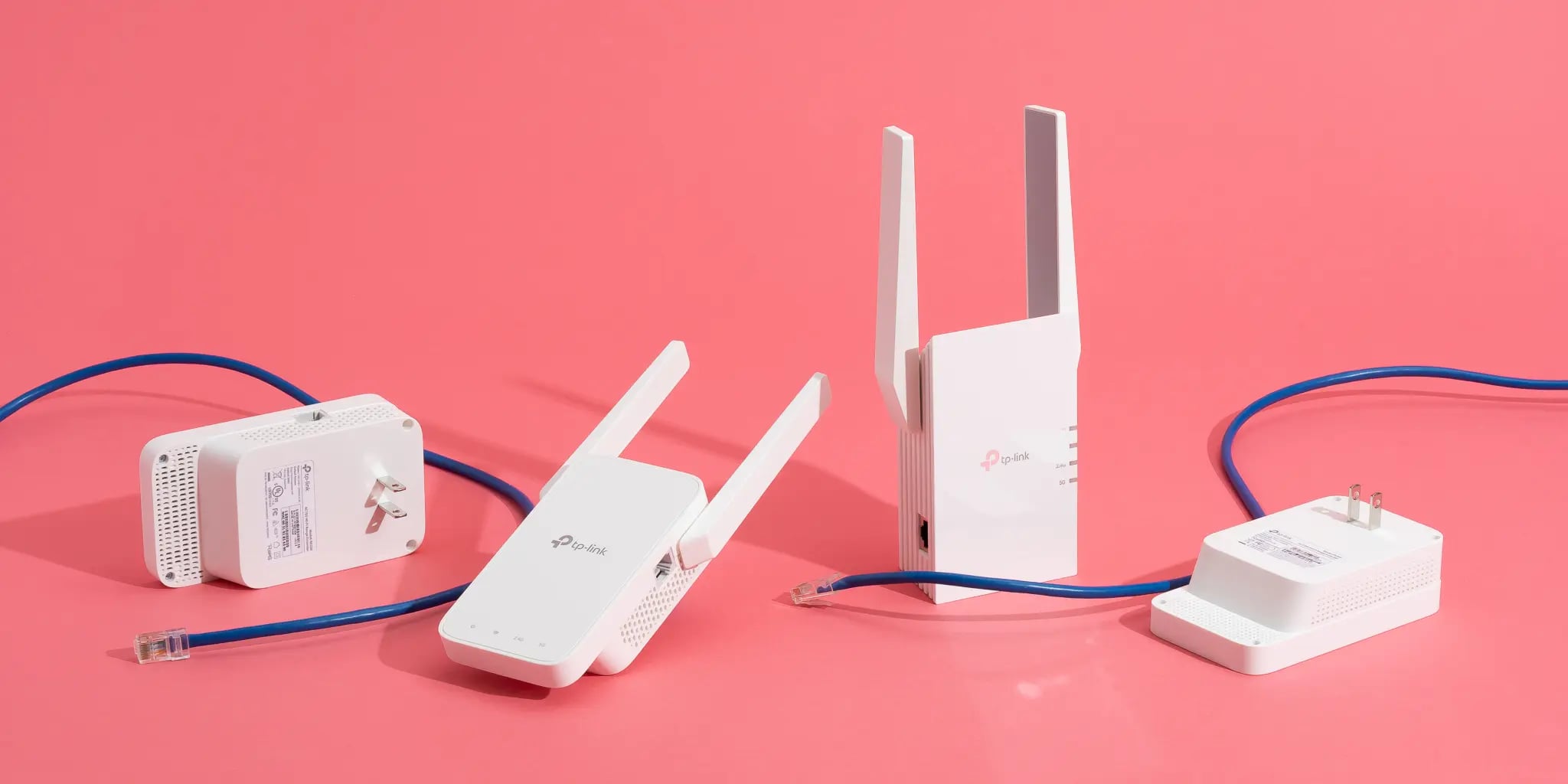
The extender went into the socket on the landing, the phone in the back bedroom went from two bars to four, and the speed test came back at half what the router does. Everything the box promised has been delivered — the signal really is stronger — and the connection is worse than it was. Both facts are true at once, because the bars and the speed are measuring different things, and a single-radio extender is built in a way that costs you exactly half.
One radio cannot listen and talk at once
A repeater with one radio hears a packet from the router and then sends that same packet on to your phone, using the same radio on the same channel. Wi-Fi is half-duplex: a radio transmits or receives, never both. So every packet crosses the air twice, and the airtime available for your data is cut in half before anything else has gone wrong.
That is not an implementation flaw, it is the arithmetic of relaying on one channel, and it compounds. One hop leaves 50 per cent. Two hops leave 25 per cent. Three leave 12.5 per cent. Chaining extenders to reach the end of a garden is a way of dividing your connection by powers of two.
Put UK numbers on it. Ofcom's measurements put the average home broadband line around 157 Mbit/s, with the median household nearer 80 Mbit/s because so many connections are still fibre-to-the-cabinet. Behind one single-radio extender those become roughly 78 and 40. Behind two, 39 and 20.
What the bars are actually telling you
The bars are a rendering of RSSI — how loud the signal is where your phone is standing. What determines the speed you get is the signal-to-noise ratio: how far the signal sits above the noise and interference around it. Above roughly 20 dB of SNR a link is in good shape; between 10 and 20 dB it is compromised, whatever the bars show.
Two devices can report identical RSSI and behave completely differently, because one of them is in a quiet part of the spectrum and the other is sharing a channel with three neighbours. And crucially, your phone's bars describe the leg between the phone and the extender. They say nothing at all about the leg between the extender and the router — which is the one that sets the ceiling.
That is the whole illusion in one sentence. You moved the extender to a spot where your signal is strong, and the extender is now hearing the router at −75 dBm through two walls. The chain cannot run faster than its worst link, and the bars are drawn from the best one.
The second tax: slow clients spend everybody's airtime
Wi-Fi adapts its modulation to link quality. A device with a weak, noisy link drops to a lower modulation and coding scheme, which means each packet takes longer to send. Because the channel is shared, a device that needs four times as long to send the same data is occupying four times as much of everyone's airtime.
An extender in a marginal position does this at scale: it holds a poor link to the router and then spends a great deal of channel time repeating packets slowly, which degrades the network for devices that never touched the extender at all. This is the mechanism behind the complaint that appears constantly in support forums — that adding an extender made the whole house slower, not just the far room.
The sticky client problem
Most extenders copy the router's network name so that roaming is seamless. What actually happens is that the decision to switch is made by the client device, using thresholds the manufacturer chose, and clients are famously reluctant.
So the laptop you carried from the far bedroom to the kitchen table keeps its association with the extender long after it has walked past the router — running at half speed while standing two metres from full speed. The reverse also happens: a device that connected to the router at the edge of its range refuses to hand over to the extender that is right beside it.
Giving the extender a different network name fixes the ambiguity by making the choice yours. It is inelegant, it means picking a network when you move rooms, and it is genuinely more reliable than hoping the client's roaming logic behaves.
What made the far room slow in the first place
Before adding a relay it is worth knowing which of two problems you have, because an extender only helps with one of them.
If the far room is weak because the signal is genuinely attenuated — distance, a stone wall, foil-backed insulation, a wet-plastered chimney breast — then a relay placed in between has something to work with, and the fifty per cent tax may still leave you better off than a link that was barely holding together.
If the far room is weak because the channel is congested, an extender makes things worse in every direction. Congestion is airtime that other people's networks are already using, and a relay's answer to that is to transmit each of your packets a second time. In a terraced street where thirty networks are visible on 2.4 GHz, adding a repeater on that band is adding traffic to a jam.
The two are easy to tell apart. A phone showing a weak signal but a fast test when it briefly connects has a coverage problem. A phone showing a decent signal and a slow, erratic test has a congestion problem — and the fix for that is a different channel, a move to 5 GHz, or a wire, not another radio.
What actually restores the speed
- Wire the second access point. An access point on an Ethernet run has no repeating tax at all — the backhaul is a cable, so the far room gets the same speed as the near one. This is the only option on this list that costs nothing in throughput, and running one cable is usually cheaper than any mesh kit.
- If it must be wireless, use a dual-band device that dedicates a band to the backhaul. Talking to the router on one band and to your devices on another keeps 75 to 90 per cent of throughput instead of 50, because the two conversations no longer take turns.
- Place it where the router is still strong, not where the signal has died. An extender repeats what it hears. Put it at the halfway point — a room where the router's signal is still solid — and it will repeat something worth having.
- Prefer 5 GHz for the backhaul. The 2.4 GHz band is where every neighbour, doorbell and microwave lives; a backhaul there starts with a noise problem that the extender then multiplies.
- Do not chain. A second extender behind the first is a quarter of your line speed, and it is nearly always a sign that the answer was a cable.
- Consider the house's other wiring. Powerline adaptors carry the backhaul over mains cable and coaxial adaptors over aerial cable. Neither is as good as Ethernet — powerline in particular is sensitive to which circuit each socket is on — but both give the far access point a wired feed, which is the property that removes the repeating tax entirely.
The purchase this does not justify
A single-radio extender is the wrong product at any price. It cannot avoid the fifty per cent penalty, because that penalty is what "one radio, one channel, two hops" means, and no firmware improves it. If a device does not clearly state that it has a dedicated backhaul band, assume it is a single-radio relay and that you are paying to halve your connection.
And if the far room is genuinely far — a garden office, a converted loft, a stone-walled extension — a mesh kit will not rescue it either, because mesh nodes still need to hear each other. The money belongs on a cable, or on a pair of powerline adaptors as the compromise, not on a third radio hoping to bridge a wall that stopped the first two.
The check that takes a minute
Run a speed test standing next to the router, then run it standing next to the extender, then open the extender's own status page and look at the signal quality it reports for its link back to the router.
If the second test is roughly half the first, the extender is working exactly as designed and you have measured the relaying tax. If it is far below half, the backhaul link is the problem — move the extender closer to the router and repeat. And if the extender reports a weak link to the router while your phone shows four bars, you have found the gap between what the bars measure and what the connection can actually do.
How this was put together
Five independent sources sit under the figures above: networking documentation describing single-radio relaying as half-duplex, halving capacity at each hop, with the 1/2, 1/4 and 1/8 series for successive hops; vendor and installer figures putting dual-band extenders with a dedicated backhaul band at 75 to 90 per cent of original throughput; Ofcom's UK home broadband measurements giving an average of about 157 Mbit/s and a median near 80; wireless engineering references distinguishing RSSI from signal-to-noise ratio and placing good links above roughly 20 dB SNR; and manufacturer support documentation describing the sticky-client behaviour that follows from an extender sharing the router's network name.
The derived figures are ours: the UK line speeds carried through one and two hops — 78 and 39 Mbit/s from the average, 40 and 20 from the median — and the reading that the bars on your phone describe only the leg between phone and extender, while the ceiling is set by the leg you cannot see.