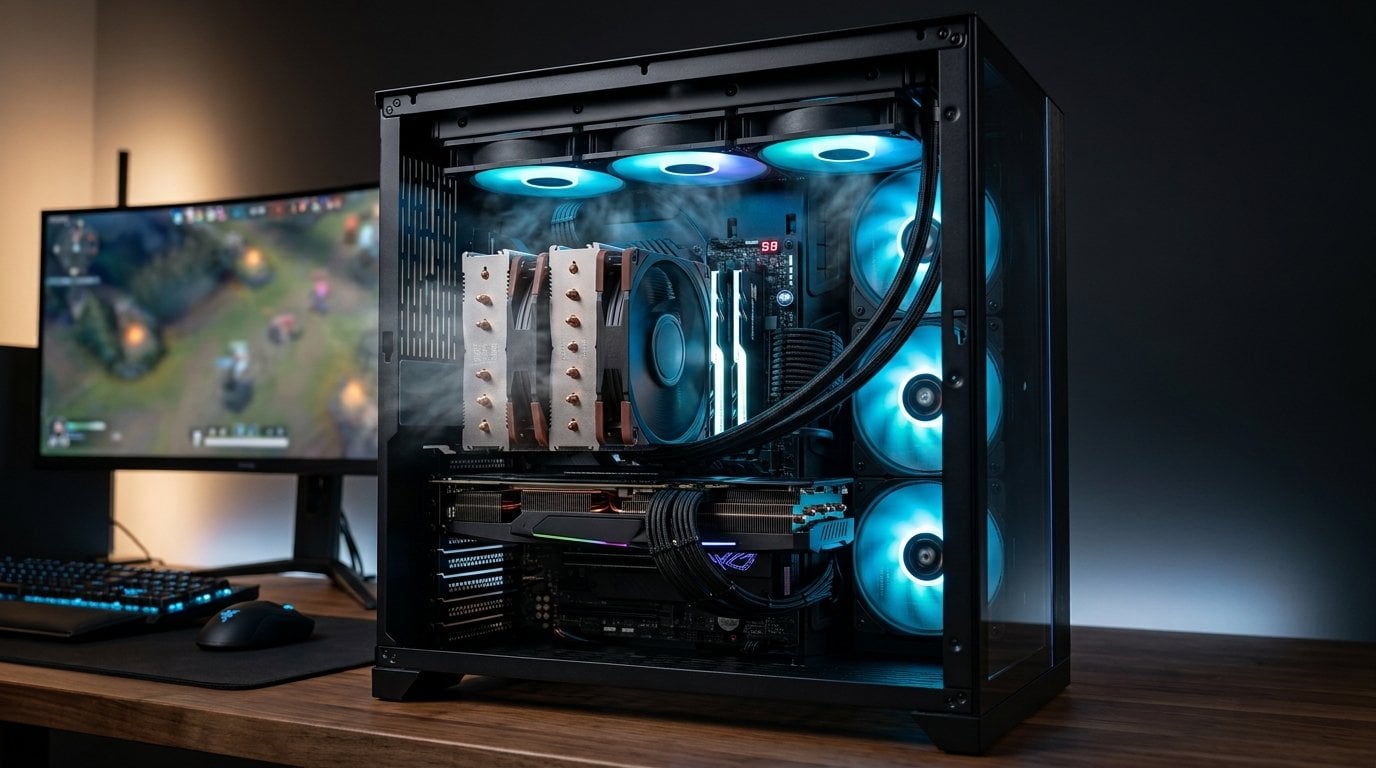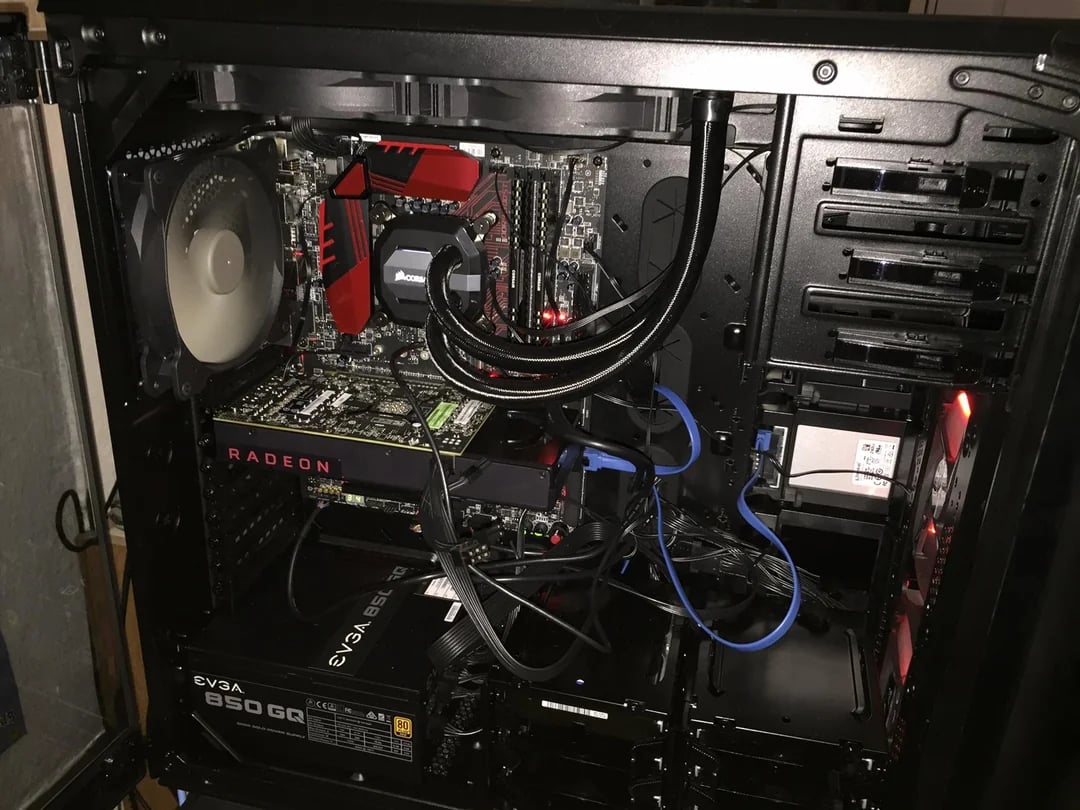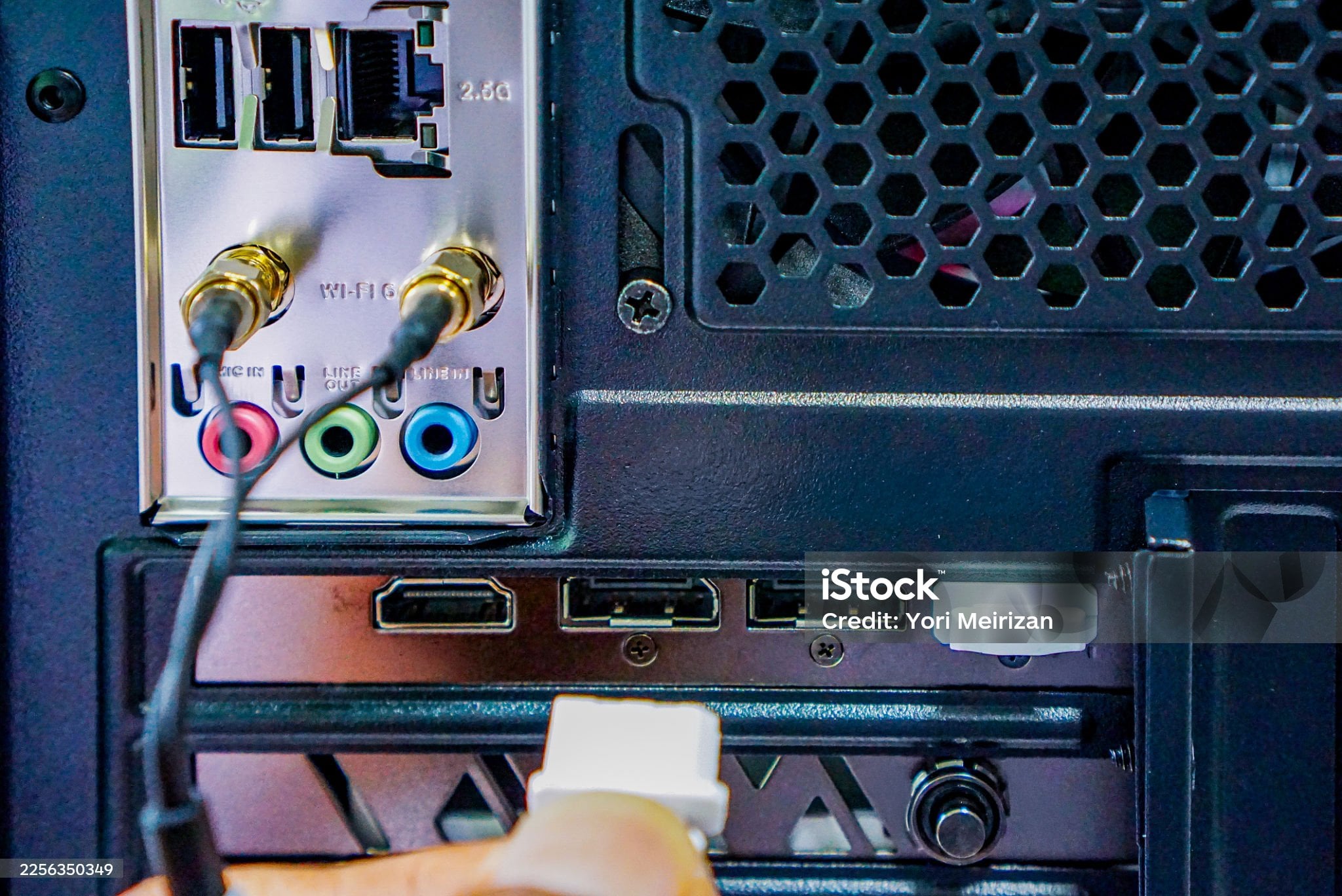
The board arrived with a row of small connectors along its bottom edge and a few more up the right-hand side. The case arrived with a bundle of cables. You have plugged in everything the bundle contains, and most of the connectors on the board are still empty.
Nothing is missing. A motherboard is built to serve every case that might be bolted around it, and yours brought the four or five things a normal case brings.
What all those connectors are for
A mid-range board carries something like twenty headers. A typical case supplies four to six cables. So roughly seventy per cent of them are empty in a finished, correct build, and that proportion is the design rather than a shortfall.
They fall into three groups, and only the first is your case's business:
- Front-panel connections — the power and reset buttons, the drive and power lights, headphone and microphone sockets, the USB ports on the top or front of the case.
- Internal devices — fans, pumps, lighting strips, fan hubs, and anything that wants power or control from inside.
- Things almost no home build uses — a serial port header, a security-module header, a chassis-intrusion switch, an optical-audio output, a header for an add-in card most people have never bought. These are on the board because some buyer somewhere needs them.
An empty header in the third group is not a feature you have failed to use. It is a feature you did not buy the board for.
The three mismatches that actually cost you something
Where it stops being cosmetic is when the case brings a cable the board has no socket for, or the board offers a socket the case never fills. Three of those are worth checking before the parts arrive, because none of them can be fixed afterwards without buying something.
The front Type-C socket
A case with a USB-C port on the front needs a specific header on the board to feed it — a flat, keyed connector that is not the same as the older rectangular USB 3 header and cannot be adapted from it cleanly.
Boards below a certain price often do not have one. If yours does not, the case's front-panel C port is dead: not broken, simply unconnected, with the cable coiled up behind the tray for the life of the machine.
This is the single most common mismatch in current builds, and it takes thirty seconds to avoid — check the board's specification list for that header before ordering the case, or accept that the front port is decorative.
The number of USB 2.0 headers
The oldest and least glamorous header on the board is the one that runs out first, because so many internal devices want it: the controller on a closed-loop cooler, a lighting controller, a fan hub with software control, a headset dongle you would rather have inside the case, a front panel on an older case.
Boards typically provide one or two, each carrying two ports. Count what you own before you find out. Internal splitters exist and work; discovering you need one at midnight does not.
Lighting headers that look alike and are not
This is the only one on the page that can destroy a component, so it is worth being exact.
There are two common lighting headers. One supplies 12 volts across four pins and drives a strip whose whole length is the same colour at once. The other supplies 5 volts across three pins, with a data line, and drives a strip whose individual segments are addressable.
They are physically keyed to make the mistake difficult, and adapters and mis-shaped third-party plugs make it possible anyway. Putting a 5 V addressable strip onto a 12 V header applies more than twice its rated voltage to the controller inside it, and the strip does not survive.
The check is simple: match the number of pins and the voltage printed next to the header on the board, and be suspicious of any adapter that claims to bridge the two.
The case's own fans need somewhere to go too
The bundle from the case is not only front-panel cables. Whatever fans the case shipped with arrive as loose connectors, and they compete for the same small supply of headers.
Three arrangements are common and they behave differently. Some cases fit their fans individually, so three fans want three headers. Some join them onto a splitter, so three fans occupy one header and only one of them reports its speed back. And some include a powered hub that takes its power from the supply directly and its control signal from a single header, which is the tidy answer and the one that scales.
The thing to check is not the count alone but what each header can control. A hub gives every fan on it the same instruction, so a case fan and a radiator fan sharing one hub cannot follow different curves. If you want the exhaust to behave differently from the intake, they need separate headers, and that is a number to count before ordering rather than after.
What to check before ordering
- Front Type-C: if the case has one, confirm the board has the header for it.
- USB 2.0 headers: count what will want one — cooler, lighting, fan hub — and compare with what the board offers.
- Lighting voltage: 12 V four-pin and 5 V three-pin are different systems. Match them, and do not adapt between them.
- Fan headers: count the fans the case ships with and the ones you plan to add, then compare to the headers available. A powered hub is the tidy answer, and it wants a spare connector of its own.
- The front-panel cluster: every board has it and every case brings it, but the individual pins are the fiddliest part of a first build. Some boards include a small adapter block that lets you assemble the cluster outside the case and fit it in one movement; if yours does, use it.
What we would not buy
A board chosen for its header count. Twenty connectors on the specification sheet is not twenty things you will use, and the two that actually matter — a Type-C header and a second USB 2.0 header — are specific items to look for rather than a total to maximise.
And an adapter that promises to convert between the two lighting standards. The cheap ones do not convert anything; they connect pins together and rely on you having understood the voltages, which defeats the purpose of buying one.
How this was put together
The header inventories here come from current motherboard manuals, which list every connector with its pin count and voltage, and from case specification sheets, which list what the front panel brings. The distinction between the two lighting standards, their pin counts and their voltages is stated by both the board vendors and the strip manufacturers, and the incompatibility is documented in both directions. The connector definitions for the front USB headers come from the standards that define them.
The derived observation is ours: about twenty headers on a typical board against four to six cables from a typical case means roughly seventy per cent of them stay empty in a build where nothing at all has gone wrong — which is the answer to the question this article exists to settle.