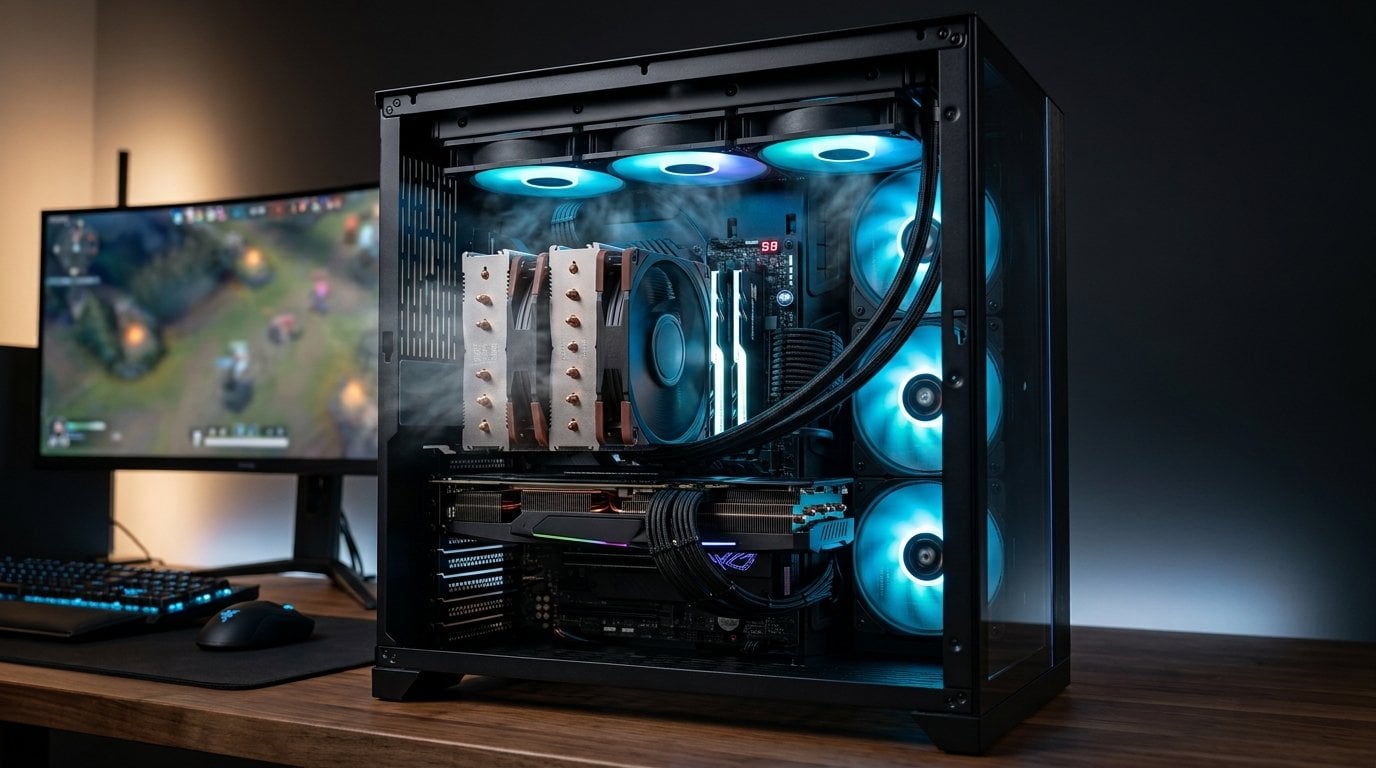
The card is new, the counter says 144, and the panel it is feeding refreshes 60 times a second. Those two numbers describe the same second of play, and only one of them is describing what you saw.
A display is not a window the card paints through. It is a sampler. It takes what is in the buffer at the instant it starts drawing a refresh, and everything the card produced between one sample and the next has nowhere to go.
The arithmetic of frames that do not arrive
Sixty refreshes a second means the panel looks at the buffer every 16.7 ms. If the card finishes a frame every 8.3 ms, it finished two between samples and the panel saw one of them.
- 120 fps into 60 Hz — half the frames are replaced before anything looks at them.
- 200 fps into 60 Hz — 60 arrive, 140 do not: 70 per cent discarded.
- 144 fps into 60 Hz — the ratio is not even a whole number, which is its own problem, because the discarded frames are not evenly spaced.
That last case is the one people actually have, and it is worse than it sounds. When the frame rate and the refresh rate are not related by a whole number, the age of the frame you are shown wobbles from refresh to refresh: sometimes you are seeing something 2 ms old, sometimes 15 ms old. The motion is smooth in the card and uneven on the glass.
Tearing is the card refusing to be sampled
The description above assumes vertical sync — the card waits, the panel takes a whole frame, everyone is orderly and the surplus is simply dropped.
Turn vsync off and the card stops waiting. It swaps the buffer whenever a frame is ready, including halfway through the panel's scan down the screen. What you see is then genuinely a composite: the top band from one frame, the middle from the next, the bottom from a third, with visible seams where the source changed.
So "half your frames never reach your eyes" is, strictly, generous. Without vsync a slice of many of them reaches you — a horizontal band of a frame whose other 80 per cent you never saw, stitched to bands of its neighbours. The card's work is not wasted so much as shredded.
Why running past the refresh rate is not simply pointless
It would be easy to end there and tell you to cap the frame rate, and that would be half an answer. There is a real benefit to rendering faster than the panel refreshes, and it is not the frames — it is their age.
At 60 fps, the frame the panel picks up was started up to 16.7 ms ago. At 200 fps the newest available frame is at most 5 ms old. The image on screen is therefore up to 12 ms fresher, which is a genuine reduction in the time between your hand moving and the screen agreeing.
Two honest qualifications. That 12 ms is one term in a chain that also contains input polling, the engine's own processing, the render queue and the panel's response — so a large proportional gain in one term is a smaller proportional gain overall. And the returns fall away quickly: going from 60 to 120 fps removes 8 ms, and going from 120 to 240 removes 4 more. Competitive players uncap deliberately and they are not wrong to. It is simply a different benefit from the one the frame counter appears to promise.
The other half of the mismatch
Everything so far assumes the card is ahead of the panel. The opposite case is just as common and behaves in a way that is genuinely counter-intuitive.
When the frame rate is below the refresh rate and adaptive sync is off, each frame has to be held on screen for a whole number of refreshes — you cannot show a frame for one and a half. So the panel rounds, and the rounding is where judder comes from.
Take 40 fps on a 60 Hz panel. Each frame wants 25 ms and each refresh is 16.7 ms, so a frame is held for either one refresh or two: 16.7 ms, then 33.3 ms, then 16.7. The motion on screen alternates between fast and slow twice as often as your eye can ignore, and it is the reason a locked 40 fps looks worse than the number suggests.
Now the same 40 fps on a 144 Hz panel. Each refresh is 6.9 ms, so a 25 ms frame is held for either three refreshes or four: 20.8 ms, then 27.8 ms. Still uneven, but the wobble has fallen from a factor of two to a factor of about 1.3, because the panel has finer increments to round into.
Which produces an honest complication to the argument of this piece: a faster panel is better at displaying a frame rate it is not being fed. The high refresh rate is not only a ceiling for a fast card — it is a finer grid for a slow one. That is a real reason to buy refresh you cannot yet saturate, and it is the opposite of the usual advice to match the panel to the card you already own.
The four panel numbers that decide whether the work arrives
Refresh rate
The ceiling on how many whole frames can ever be shown. Everything above it is latency, not motion.
The variable-refresh range
Adaptive sync lets the panel wait for the frame instead of the frame waiting for the panel, which removes both tearing and the uneven frame ages described above. What matters is the range it operates over — a panel whose range starts at 48 Hz stops helping below that, unless it implements low-framerate compensation, which repeats frames to stay inside the window. A panel advertised as adaptive with a narrow range is adaptive in the part of the curve you are least likely to be in.
Response time
The panel needs the pixels to actually change. A quoted 1 ms is usually either the best single grey-to-grey transition on the panel or a motion-blur figure measured with backlight strobing — not the average of the transitions your game is asking for. Reviewers who publish the full transition matrix are measuring something quite different from the box, and the gap between the two is routinely a factor of several.
Resolution
The one that decides how much of the card you bought is even being asked to work. A card sized for 4K, feeding 1080p, spends its capacity producing frames the panel throws away.
Matching the two, in pixels per second
The useful way to compare a panel's appetite is to multiply its pixels by its refresh rate, because that is the rate the card has to sustain:
- 1080p at 60 Hz — 124 million pixels a second
- 1440p at 144 Hz — 531 million, or 4.3× as much work
- 4K at 144 Hz — 1194 million, 9.6× the first case
Those ratios are the whole buying argument in one line. A panel upgrade from 1080p60 to 1440p144 asks your existing card for four times the throughput it is delivering now; the same card that comfortably held 60 fps will not hold 144 at a higher resolution, and no setting short of dropping quality closes a gap that size.
Which is why the order matters. Choose the panel first — it decides the workload, it is the part you look at, and it will outlive two graphics cards. Then buy the card that can feed it.
What to do
- Decide the resolution and refresh you want first. Multiply them. That number is your card requirement, and it is the honest one.
- Turn on adaptive sync and check the range your panel actually supports rather than the badge on the box.
- Cap the frame rate a few frames below the refresh ceiling when adaptive sync is on. It keeps you inside the window, where the frame ages are even, instead of bouncing off the top of it.
- Leave it uncapped only where latency is the point — competitive shooters — and accept the tearing that comes with it, or the strobing that hides it.
Two things we would not buy
A card two tiers above the panel. If the display is 1080p at 60 Hz, the frames beyond 60 buy you a few milliseconds of freshness and nothing else, and that is an expensive way to buy milliseconds. The same money spent on the panel changes what you see every second you use the machine.
And a panel chosen on its response-time number. It is the least trustworthy figure in this category — measured in a way that is not defined the same way twice, and quoted at a best case that no real transition hits. Buy on refresh, resolution, the adaptive range and a review that measured the transitions itself.
How this was put together
The scanout and refresh behaviour comes from Blur Busters, whose work on how panels sample, tear and strobe is the reference for this subject; the response-time picture from Hardware Unboxed's and TFTCentral's transition testing, which measures every grey-to-grey pair rather than quoting the best one; and the latency chain from the measured end-to-end work published around low-latency rendering, where the frame's age is isolated from the rest of the chain with hardware instrumentation rather than software timers.
The derived figures are ours: the half and 70 per cent of frames discarded at 120 and 200 fps into a 60 Hz panel, the 12 ms of freshness that running at 200 fps buys on that same panel, and the 124, 531 and 1194 million pixels a second that make the panel-first argument concrete.