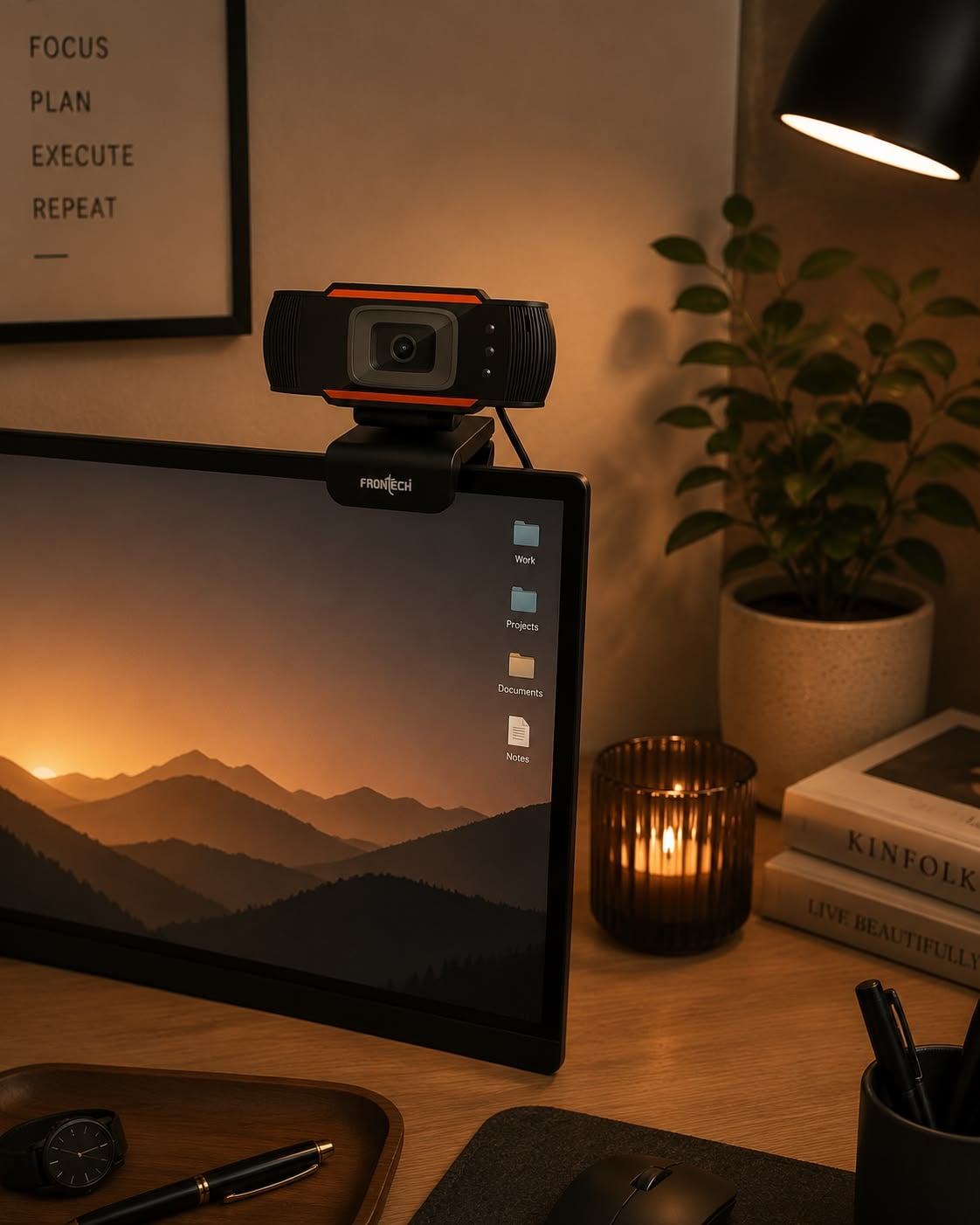
The webcam works. Plugged straight into the machine it gives you 1080p at 30 frames a second and looks like the product photograph. Plugged into the hub on your desk — the one with the external drive and the headset already in it — the same camera hands you a soft, juddering picture, and the application quietly reports 15 fps or drops you to 720p. Nothing is faulty. The camera asked the hub for bandwidth that had already been spoken for.
What a hub actually shares
A USB 2.0 hub is not a splitter that gives each port its own connection. Everything downstream of it shares one 480 Mbit/s link back to the computer, and that headline figure is the raw signalling rate. After protocol overhead and controller inefficiency, practical throughput lands nearer 280 to 350 Mbit/s.
Time on that link is divided into microframes of 125 microseconds each. Devices that need guaranteed delivery — cameras, audio interfaces — use isochronous transfers, which reserve a slice of every microframe in advance. The specification caps a single high-speed endpoint at 3 072 bytes per microframe, which works out to 24 MB/s, or 192 Mbit/s. It also forbids periodic traffic from claiming more than 80 per cent of any microframe, so that control and bulk transfers are not starved entirely.
Two consequences follow immediately. The reservation is made when the stream starts, not continuously negotiated — so a camera either gets its slice or picks a smaller mode. And the ceiling for one video stream is 192 Mbit/s, well under the bus's nominal 480.
What a video stream weighs
Video bandwidth is a multiplication, and doing it once explains the entire behaviour. An uncompressed YUY2 frame carries two bytes per pixel.
- 1080p (1920 × 1080) at 30 fps: 1920 × 1080 × 2 × 30 = 124 MB/s — about 995 Mbit/s.
- 720p (1280 × 720) at 30 fps: 442 Mbit/s.
- 480p (640 × 480) at 30 fps: 147 Mbit/s.
- 1080p at 30 fps in MJPEG, which compresses each frame roughly ten to twenty times: 50 to 100 Mbit/s.
Set those against the 192 Mbit/s ceiling for one isochronous endpoint and the shape of every webcam limitation appears at once. Uncompressed 1080p is off by a factor of five. Uncompressed 720p is off by more than two. Uncompressed 480p fits, which is exactly why cheap cameras and machine-vision modules stop there. And MJPEG at 1080p30 fits comfortably — which is why every USB 2.0 webcam that claims 1080p delivers it as compressed frames, whatever the box implies.
This is also why the same camera can behave differently in two applications on one machine. An application that requests YUY2 for lower CPU load will be refused 1080p30 and fall back; one that requests MJPEG will get it. The hardware did not change — the format did.
Where the drive comes in
Now add the external drive. Bulk transfers, which is what storage uses, take whatever time is left after periodic traffic has reserved its share. In principle that ordering protects the camera. In practice three things erode it.
The first is the second camera-shaped device. Headsets and USB microphones are isochronous too, and their reservations come out of the same 80 per cent budget as the camera's. Two audio devices and a camera can exhaust the periodic allowance on a shared bus without any of them being unreasonable.
The second is the transaction translator. A USB 2.0 hub has a limited number of these — the units that manage traffic to slower devices — and a hub with one translator shared across all ports schedules its downstream devices far less gracefully than one with a translator per port. That detail is almost never on the packaging.
The third is what happens after the reservation succeeds. Isochronous transfers have no retries: a packet that misses its slot is not resent, it is lost. A bus that is heavily loaded does not politely slow the camera down — it drops frames, which is what the juddering is.
So the answer to "why 15 fps" is usually one of two things. Either the driver could not reserve enough of every microframe for 30 fps and negotiated half the rate, which needs half the bandwidth. Or it reserved the stream and is losing packets to congestion, and the effective frame rate has collapsed to whatever survives.
Two more things that share the same budget
Frame rate scales bandwidth linearly, so the same camera at 60 fps asks for twice what it asks at 30. A 1080p60 MJPEG stream lands near where uncompressed 720p30 sits, and it is the first mode to fail on a shared bus. When a camera offers 60 fps only at 720p, that is not a marketing decision — it is the microframe budget written into the product.
Power is the other shared resource, and it fails in a different shape. A USB 2.0 port supplies 500 mA at 5 V, and an unpowered hub divides that allowance among everything plugged into it. A camera short of current does not report a bandwidth problem: it disconnects and re-enumerates, which the application sees as the device vanishing mid-call. If your camera drops out entirely rather than degrading gracefully, suspect the power budget rather than the bus.
Both are why a hub with its own power supply behaves so much better than the one built into a monitor or a keyboard, even when the two share identical bus bandwidth.
What actually fixes it
- Put the camera on its own controller. Not just another port — most machines have several ports fed by one controller. Front-panel and rear ports are often on different ones, so moving from a front socket to a rear socket can be the whole fix.
- Ask for MJPEG. If your application lets you choose the format, choosing compressed frames is the difference between 995 Mbit/s and something under 100. Many conferencing applications hide this; capture and streaming software usually exposes it.
- Do not put the camera behind the same hub as an active drive. Even with the reservation working correctly, a saturated bulk stream on a shared translator is where the dropped packets come from.
- Check whether the hub is USB 3. A USB 3 hub carries USB 2.0 traffic over separate wires from its SuperSpeed traffic, so a USB 3 drive in a USB 3 hub genuinely stops competing with the camera. A USB 2.0 hub cannot do this, because there is only one bus to share.
- Lower the resolution before lowering the frame rate. If bandwidth is the constraint, 720p30 looks considerably better in motion than 1080p15, and costs less than half as much bus time.
The purchase this does not justify
Buying a 4K webcam to fix a hub problem is spending money on the wrong side of the bottleneck. A 4K stream needs several times the bandwidth of the 1080p stream that is already failing, and on a shared USB 2.0 bus it will negotiate down to exactly the same disappointing mode — or refuse to open at all. If the camera you own delivers 1080p30 when plugged directly into the machine, the camera is not the problem, and no camera priced above it will behave better on that hub.
The upgrade that does help is a powered USB 3 hub with per-port transaction translators, or a rear-panel port on a different controller, which costs nothing at all.
The check that takes a minute
Unplug everything else from the hub and open the camera again. If 1080p30 returns, you have confirmed contention rather than a fault, and the fix is a routing decision rather than a purchase. Then plug the drive back in and watch whether the frame rate collapses immediately or only when the drive is actually being read — the first says the reservation failed, the second says packets are being lost to congestion.
Either way you now know which of the two mechanisms you are dealing with, and the list above tells you which item addresses it.
How this was put together
Five independent sources sit under the figures above: the USB 2.0 specification's high-speed isochronous limits — 125-microsecond microframes, up to 3 072 bytes per microframe for one endpoint, and the 80 per cent cap on periodic traffic; published practical throughput figures of 280 to 350 Mbit/s against the nominal 480; USB video class practice in which USB 2.0 cameras deliver 1080p30 only in MJPEG and fall back to 720p in uncompressed formats; documented hub behaviour in which downstream devices share one upstream link and transaction translators are shared or per-port; and reports of frame drops on shared buses arising from isochronous packets that are never retried.
The derived figures are ours: the bandwidth of each video mode calculated from pixel count, colour depth and frame rate — 995, 442 and 147 Mbit/s uncompressed, and 50 to 100 Mbit/s for 1080p30 in MJPEG — and the comparison of each against the 192 Mbit/s ceiling that a single isochronous endpoint is allowed to reserve.