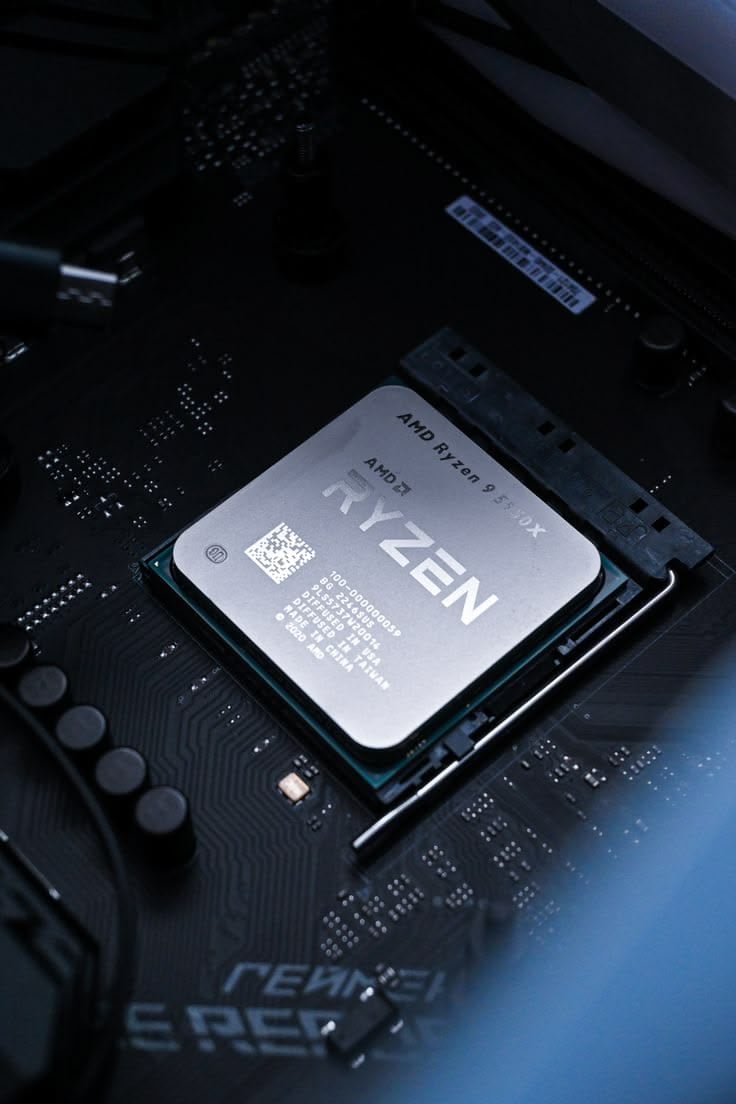
The review put two processors side by side at 1080p. One managed 186 fps, the other 151, and the gap was the whole story of the piece. You play at 1440p, where the same two parts land within a frame or two of each other and both sit around 110.
So which number was the lie? Neither. They are answers to different questions, and only one of them was ever about the machine you are going to build.
Why the test runs at a resolution nobody buys a monitor for
To measure a processor's contribution to framerate you have to remove everything else that could be the limit — and in a game, the thing most likely to be the limit is the graphics card. So the method is deliberate: take the fastest card available, drop the resolution until that card is bored, and whatever framerate remains is what the processor can sustain.
Some reviewers go further down, to 720p, for the same reason. It is not a prediction about how anyone plays. It is a laboratory condition, chosen precisely because it is unrealistic.
The alternative would be worse. Test the same two processors at 4K with a card that is fully loaded and every result collapses into a single bar, because you are no longer measuring processors at all — you are measuring one graphics card, six times, and publishing it as a CPU review.
The two halves of a frame do not scale together
A frame is built twice. The processor works out what to draw and the card works out how it looks, and those two jobs respond to resolution completely differently.
The processor's per-frame list barely changes with resolution: work out where everything is, run the physics step, update animation, decide what is visible, decide what to stream in, and assemble the draw calls that describe the scene to the driver. A thousand objects are a thousand objects whether they are being drawn onto two megapixels or eight.
The card's work is almost entirely per-pixel. And the pixel counts are not subtle:
- 1080p — 2.07 million pixels
- 1440p — 3.69 million, or 1.8× as many
- 4K — 8.29 million, exactly 4× 1080p
So moving from 1080p to 4K quadruples the work on one side of the frame and leaves the other side almost untouched. The two parts have not changed. The ratio between their workloads has, by a factor of four, and that is enough to move the limit from one to the other.
What the 1080p number actually is
It is a ceiling. It says: this processor can prepare frames at up to about this rate in this game, and no graphics card will ever get you past it.
Read that way, the review that looked irrelevant becomes the most durable number in it. Today your card is the limit and the ceiling is invisible. It becomes visible the moment anything removes the card from the equation — and several ordinary things do exactly that.
Three ways you meet the ceiling sooner than you expect
Upscaling puts the card back in a small-resolution job
This is the one that catches people, because it arrives disguised as a graphics feature.
Upscaling renders the frame at a lower internal resolution and reconstructs it to the output. At 4K, the quality preset renders internally at 1440p and the performance preset renders at 1080p. The card's workload drops to match — that is the entire point — while the processor's list of a thousand objects stays exactly the same length.
Which means that a 4K machine running the performance preset is, from the processor's point of view, a 1080p machine. You bought the monitor to escape that resolution and the upscaler quietly took you back to it. The CPU review you skipped is now describing your framerate.
Frame generation needs the processor to hand it something first
Generated frames are inserted between rendered ones and cost the processor almost nothing, which is why the counter can double. What generation cannot do is raise the rate at which real frames arrive — and the quality of the result depends on that base rate being decent to begin with. If the processor is the reason the base rate is 45, generation gives you a smoother-looking 90 built on a foundation that is still 45, with the input latency to match.
High refresh at low resolution is the test condition
If you play at 1080p on a 240 Hz panel, you are not approximating the review's laboratory condition. You are in it. Everything the CPU test measured is what you will feel.
And genre decides this before any of the settings do. Simulators, grand strategy, city builders, large-scale multiplayer and anything with a lot of independent agents are processor-bound at every resolution, because their per-frame list is enormous and pixels are the easy part.
The number that survives the resolution change
Averages converge at high resolution. The 1% lows often do not.
A processor that is comfortably ahead of its work produces evenly spaced frames; one that is running out of time produces occasional long ones when something expensive lands — a physics event, a streaming decision, a crowd coming into view. That shows up in the distribution before it shows up in the mean, so two processors that look identical on average at 1440p can still be a visibly different experience.
This is why the useful CPU review prints both numbers at both resolutions, and why a review that prints only the 4K average is not telling you anything about the processor at all.
What the ceiling is actually made of
It helps to know why a processor has a ceiling at all, because it explains which processor to buy and which specification to ignore.
A game has one thread that matters more than the rest. It walks the scene, decides what is visible and hands the driver the list of things to draw, and while a modern engine pushes plenty of work onto other threads — physics, animation, audio, decompression, the driver's own submission work — that main thread is a sequence, and a sequence cannot be made parallel by adding cores to it.
So the ceiling is roughly one divided by how long that thread takes per frame. If it needs 5 ms, the ceiling is around 200 fps; if a heavy scene pushes it to 10 ms, the ceiling halves to 100 — regardless of what the other cores are doing.
Two consequences follow, and they contradict the usual shopping instinct. Core count stops helping fairly early for games, because past the point where the secondary work fits, the extra cores are idle during the frame that matters. And the things that make the main thread finish sooner are the things nobody puts on the front of the box: clock speed, instructions per clock, cache size — a large cache is why some processors run so far ahead of their clock speed in games — and memory latency, because a stall waiting on memory is time that thread is not working.
Why the ceiling is the number that outlives the review
There is a practical reason to care about a measurement that is not describing your machine today.
Processors are kept longer than graphics cards. The card is the part people replace when a new generation lands or a game demands it; the board and processor tend to stay until something forces a platform change. So the ceiling you measure today is the ceiling your next card will run into, and the one after that.
Games move the same way. As engines put more agents, more physics and more draw calls into a scene, the main thread's per-frame time grows, which lowers the ceiling on hardware that has not changed. A processor comfortably ahead of its work in 2026 is not necessarily comfortably ahead in 2029, and the low-resolution number is the only published measurement that tells you how much room you started with.
Which is the argument for reading the CPU review you thought was irrelevant. Not because it predicts your framerate — it does not — but because it is the one number in the review that is still true after you replace the card.
Finding your own ceiling in ten minutes
You do not need a review to know which half of your machine is the limit right now.
- Play a demanding scene and note the framerate.
- Drop the resolution hard — to 1080p from 1440p, or lower — and change nothing else.
- If the framerate climbs, the card was the limit. That is the normal, healthy result.
- If it barely moves, you have found the ceiling, and it belongs to the processor. No graphics upgrade will move it.
Do it in the scene that actually bothers you rather than a built-in benchmark, and watch the 1% low rather than the average.
What to change, and what not to buy
The ceiling tells you which upgrade is real and which one is decoration.
- Card is the limit today, and you are happy with the resolution: a faster card is the correct purchase, and the CPU review is a note about your next one rather than this one.
- Processor is the limit: a faster card buys you nothing, and this is the case where memory speed and latency start to matter too, because the processor's stalls are often memory stalls.
- You are about to start using upscaling or frame generation: assume the limit moves toward the processor, and check the ceiling before you spend.
Two things we would not buy
A processor chosen on a 4K benchmark. That chart is a graphics card wearing a processor's name, and the parts it declares equivalent are not equivalent — you simply cannot see the difference through the card that was in the way.
And a graphics card bought to fix a framerate that does not move when you drop the resolution. That is the clearest signal in this whole article, it takes ten minutes to check, and it is the difference between a purchase that works and one that changes a number on a box.
How this was put together
The method comes from the outlets that publish it openly and defend it: Hardware Unboxed and TechSpot's low-resolution CPU testing with a top-tier card, Gamers Nexus's processor reviews and their insistence on 1% lows alongside averages, TechPowerUp's resolution-scaling runs across a card range, and Digital Foundry's work on how upscaling and frame generation move the bottleneck rather than removing it.
The derived figures are ours: the 2.07, 3.69 and 8.29 megapixels of the three common resolutions, the fourfold ratio shift between 1080p and 4K that moves the limit from one half of the frame to the other, and the observation that a 4K performance-preset machine is a 1080p machine as far as its processor is concerned.