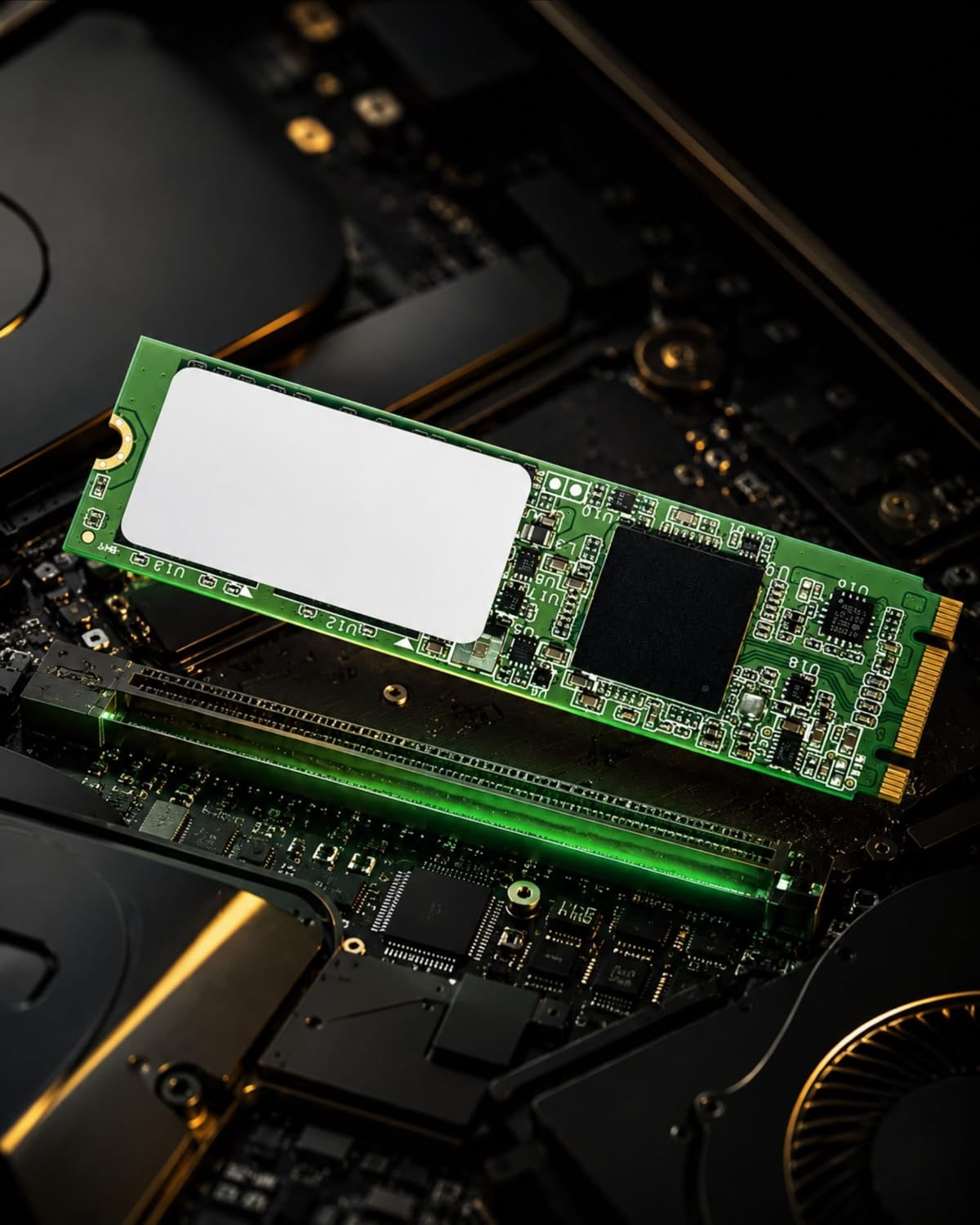
The new drive's box says 7000 MB/s. The one it replaced said 550. That is a twelvefold difference in the only number printed on the front, and the game you play loads about three seconds quicker. The framerate is identical to the frame.
Nothing has gone wrong. The drive is delivering exactly what it promised; it is just that almost nothing in a game is waiting for it.
Two different clocks
Loading is a duration — how long from clicking through to the world appearing. Framerate is a rate — how often a finished picture arrives once you are already there. They are measured in different units and limited by different parts, and storage lives almost entirely on the first clock.
Once the level is resident, the drive is idle. The card is drawing from video memory, the processor is working from system memory, and the only thing storage does for the rest of the session is stream in the occasional asset as you move. A framerate counter cannot see your drive, because by the time it has a number to show, the drive's work is finished.
Why the load time does not follow the GB/s
The mistake is imagining a load screen as one long sequential read. It is a pipeline, and the drive owns only the first stage of it:
- Read the compressed assets off the drive.
- Decompress them on the processor.
- Build the runtime objects and upload textures and geometry into video memory.
- Run the engine's own setup — scene graph, physics world, scripts, shader work.
Stages two through four do not care what the drive cost. So the arithmetic of a storage upgrade is the arithmetic of speeding up one stage of four.
The ceiling on any storage upgrade
Take a 20-second load and split it the way measurements suggest it splits: about 5 seconds of the drive actually moving bytes, and about 15 seconds of decompression and engine work that happens regardless.
Now make the drive infinitely fast — not twelve times faster, infinitely. The five seconds go to zero and the load takes 15 seconds.
That is the ceiling. The best possible storage upgrade, from any drive to a drive that does not exist, is a 25 per cent cut in that load. A real twelvefold jump in sequential speed captures most of that 25 per cent and then stops, which is exactly what the published tests find: between a decent SATA SSD and a fast Gen4 NVMe the difference is typically one to four seconds per load screen, and often under a second — while both of them make a hard drive look like a different category of machine, because a hard drive changes stage one from seconds to minutes.
The lesson is not that fast drives are a con. It is that a number describing one stage cannot describe the pipeline.
The processor is usually the one holding the load screen
Assets ship compressed, because a game that shipped uncompressed would be several times its download size. Every one of those bytes has to be expanded before it is usable, and on a conventional path that expansion runs on the processor.
Which sets up the real bottleneck: once the drive can deliver data faster than the processor can decompress it, additional drive speed is spent waiting. Past that crossover the specification on the box has stopped being connected to anything you can observe, and on any modern NVMe drive you are well past it.
This is precisely the problem DirectStorage was built to attack — it hands decompression to the graphics card, which is enormously better at that shape of work. Where it is implemented, the measured gains are real: the well-documented case showed load times falling by roughly 40 per cent with GPU decompression enabled on a Gen4 drive against the conventional path. Two caveats keep it from being a shopping argument. It only exists in games that implemented it, which is still a short list. And it requires NVMe — SATA drives cannot participate at all, including M.2 drives that are SATA underneath and look identical in the slot.
Where the drive does touch what you see
There is one exception, and it is worth knowing because it is the only case where a storage upgrade changes something during play rather than before it.
Open-world games stream assets as you move. Cross a boundary quickly enough — a fast vehicle, a sprint into a new district — and the engine has to fetch and prepare data while it is still rendering. When it cannot keep up, you get a spike: one long frame, or a short run of them, tied to a place rather than to an action.
That is the one symptom for which the drive is the correct answer. Note what it is not: it is not a lower average framerate. The average is unchanged. It is a stutter, and it belongs to the same family as every other frametime spike — which is why the diagnosis has to come from the frametime graph rather than from the framerate counter.
Not every wait is a load
Part of the reason storage gets blamed is that several different waits look identical from the sofa, and only one of them belongs to the drive.
The wait after an install or a driver update, often shown as a progress bar with a name like preparing or optimising, is usually shader compilation: the machine turning the game's shaders into code for your specific card. That is processor work, it scales with core count rather than drive speed, and it is why the same game can take minutes to get going once and seconds every time after.
The wait during installation is decompression, not transfer. A download arrives compressed and has to be expanded and written out, so an install can be slower than the download that fed it, on a drive that is barely breathing hard.
And the wait at a level boundary is the pipeline described above, where the drive owns one stage of four.
Telling them apart costs nothing: watch which part of the machine is busy. If the processor is pinned and the drive is idle, no storage upgrade is going to shorten that wait — and buying one to try is a common and entirely avoidable mistake.
The transformational upgrade and the decorative one
- Hard drive to any SSD — a category change. Load screens shorten by multiples, traversal stutter largely disappears, and the machine stops feeling busy. If a game still lives on a mechanical drive, this is the best money on this page.
- SATA SSD to NVMe — seconds per load, plus eligibility for DirectStorage in the titles that use it. Worth having in a new build; rarely worth a special trip.
- Gen4 to Gen5 — not measurable in games. The sequential number doubles, the stage it governs was already not the limit, and you inherit a drive that runs hot enough to need a heatsink with a fan on some models.
What to do instead
- Put games on an SSD — any SSD. Which one matters far less than that it is not mechanical.
- Buy capacity over sequential speed. A larger drive means more of your library is on it, which is the difference you will actually notice, and drives kept near full get slower and wear faster.
- Leave headroom. Ten to fifteen per cent free is a reasonable floor; SSDs need spare blocks to work efficiently.
- If you are chasing stutter, capture the frametimes first. Only the place-linked spikes belong to the drive; the rest are somebody else's fault and the drive will not fix them.
Two things we would not buy
A Gen5 drive for a gaming machine. It is the clearest example in the shop of paying for a specification that cannot express itself in the workload, and the thermals are a real cost rather than a theoretical one.
And a faster drive bought to fix stuttering, before looking at when the stutter happens. If the spikes come with movement through the world, the drive is the answer. If they come at the start of a level and never again, or with an effect appearing for the first time, no drive on the market will touch them.
How this was put together
The load-time picture comes from the outlets that time real games across drive classes rather than running synthetic sequential tests: PCWorld's NVMe-versus-SATA testing under DirectStorage, Digital Foundry's analysis of GPU decompression in the first title to ship it, TechSpot and Hardware Unboxed's game-load comparisons across SATA, Gen3 and Gen4, and Gamers Nexus's storage runs. The DirectStorage requirement that rules out SATA comes from the specification itself.
The derived figures are ours: the four-stage split of a load screen, and the arithmetic that follows from it — a 20-second load with 5 seconds of drive time has a floor of 15 seconds, so 25 per cent is the ceiling on what any storage upgrade can return, no matter what the box says.